
Most people who shrug at AI are using it like a search box: one short question, one answer, done. The people who get great results do a handful of small things differently, and none of them are technical.
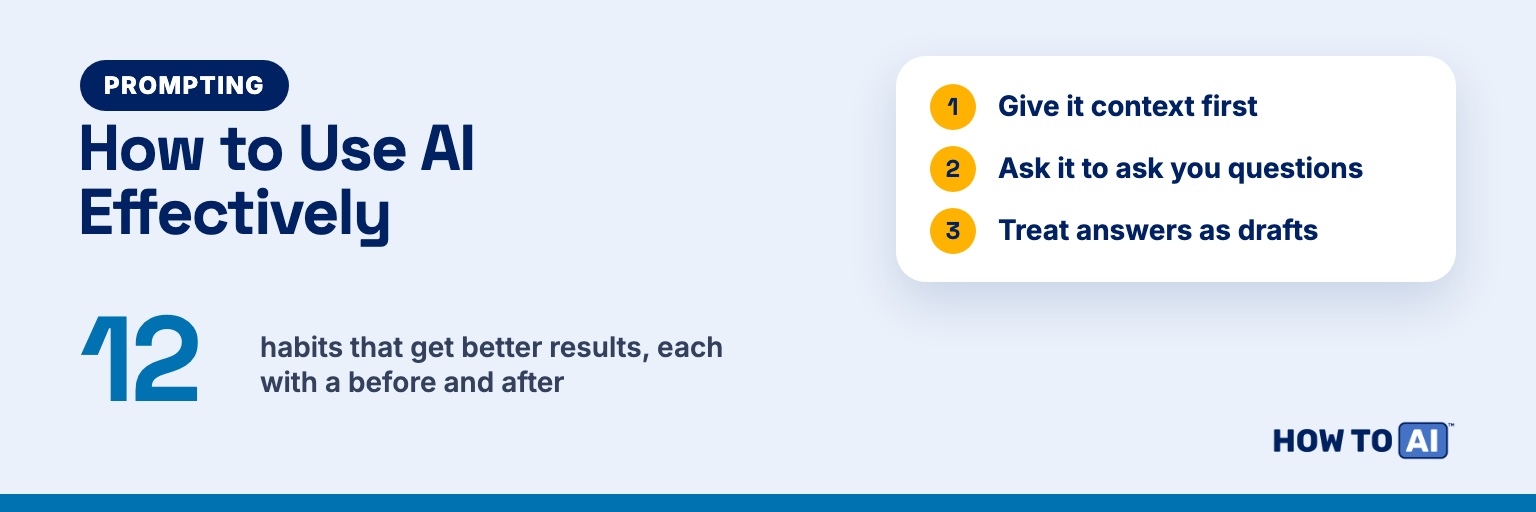
Below are 12 habits that make ChatGPT, Claude, Gemini, or Copilot more useful. Each one has a one-line reason it works, a quick before-and-after prompt, and a note on when it matters most. Start with two or three. You don’t need all twelve on day one.
The 12 habits at a glance
| Habit | What you do | Matters most for |
|---|---|---|
| 1. Give context | Say who you are, who it’s for, and why | Anything another person will read |
| 2. Ask for questions first | Let the AI interview you before it answers | Big or fuzzy tasks |
| 3. Iterate | Treat the first answer as a draft | Writing and planning |
| 4. Ask for options | Request three different takes | Headlines, ideas, tricky messages |
| 5. Set the format | Name the length, structure, and reading level | Anything you’ll paste somewhere |
| 6. Show an example | Paste a sample of what good looks like | Tasks you repeat |
| 7. Ask it to check itself | Have it review its own answer | Numbers, steps, logic |
| 8. Start fresh chats | New topic, new chat | Long sessions that drift |
| 9. Keep a prompt library | Save the prompts that worked | Weekly tasks |
| 10. Verify facts | Check anything that matters | Health, money, names, numbers |
| 11. Talk instead of type | Use voice for context-heavy requests | Brain dumps and planning |
| 12. Know when not to use AI | Skip it for some jobs | Sensitive or personal material |
1. Give it context before you ask
Why it works: The AI knows nothing about you, your audience, or your goal unless you tell it, so it fills the gaps with the most generic answer possible.
Before: “Write an email asking for a deadline extension.”
I'm a project coordinator at a small nonprofit. Write a short email to our grant officer, Maria, asking to move our report deadline from March 3 to March 17. Reason: our finance lead was out sick for two weeks. Tone: polite and direct, no groveling. Under 120 words.When it matters: Anything another person will read. The more specific the audience, the better the draft.
2. Ask it to ask you questions first
Why it works: On bigger jobs you often don’t know which details matter. Letting the AI interview you pulls out the context you would have forgotten to give.
Before: “Make me a workout plan.”
I want a simple home workout plan. Before you write anything, ask me up to 5 questions about my schedule, fitness level, equipment, injuries, and goals. Wait for my answers, then write the plan.When it matters: Plans, trip itineraries, résumés, budgets. Anywhere one wrong assumption would waste the whole answer.
3. Treat the first answer as a draft
Why it works: Short follow-ups steer the AI faster than rewriting your whole prompt, and it keeps the earlier conversation in mind while it revises.
Before: Accepting the first reply, or starting over with a new wall of text.
After: “Cut this by a third.” Then: “The second paragraph sounds stiff. Make it sound like me talking to a coworker.” Then: “Keep everything, but put the request in the first line.”
When it matters: Writing and planning. Two or three quick rounds usually beat one “perfect” prompt. Our prompt refinement guide has more follow-ups that work.
4. Ask for options, not one answer
Why it works: A single answer anchors you. Three different takes let you pick, mix, or notice what you actually wanted.
Before: “Write a subject line for our newsletter.”
Give me 3 subject lines for this newsletter: one plain and clear, one that sparks curiosity, and one that leads with a number. Then tell me which you'd pick for a busy reader and why.

[paste newsletter]When it matters: Headlines, names, opening lines, gift ideas, and ways to handle an awkward conversation.
5. Tell it the format you want
Why it works: Chatbots tend to default to long answers stuffed with headers and bullets. If the text is going into a text message, a slide, or Slack, say so up front.
Before: “Summarize this article.”
After: “Summarize this article in 3 bullets, each under 20 words, for a manager who won’t read the original. Plain English, no jargon.”
When it matters: Anything you’ll copy somewhere else. Length, structure, and reading level are the three settings that change the most.
6. Show an example of what good looks like
Why it works: Describing a style is hard and showing it is easy. One sample beats a paragraph of adjectives like “fun but professional.”
Before: “Write a product description that’s fun but professional.”
Here's a product description I like:
[paste example]

Write one for our new canvas tote bag with the same length, rhythm, and tone. Don't reuse any of its phrases.When it matters: Tasks you repeat, like weekly updates, listings, and social posts, where consistency counts.
7. Ask it to check its own work
Why it works: A review pass turns the job from “produce” into “critique,” and that often catches slips the first pass missed.
Before: Trusting the totals in a budget table it just built.
After: “Now review your answer. Recalculate every total, list any assumptions you made, and flag anything you’re unsure about.”
When it matters: Numbers, step-by-step instructions, and anything with a right answer. It helps, but it doesn’t replace habit 10.
8. Start a fresh chat for a new topic
Why it works: Long chats pile up old instructions and details that leak into new answers. A clean chat gives the AI a clean slate.
Before: Asking for a packing list in the same three-hour chat where you drafted a work report.
After: Open a new chat and start with the context for the new task only.
When it matters: When answers start drifting, repeating old details, or ignoring your latest instruction. One caveat: some tools remember things across chats. ChatGPT, for example, can use saved memories and past chats when Memory is on, so check that setting if an old detail keeps showing up.
9. Keep a prompt library
Why it works: Your best prompt is worth reusing word for word. Retyping it from memory each week gets you a weaker version.
Before: Typing “help me write my weekly update” every Friday.
Turn these notes into my weekly update for [team name]. Format: Wins, Blockers, Next week. Maximum 150 words. Keep names and dates exactly as written.

Notes:
[paste notes]When it matters: Anything you do weekly. A plain notes app is enough. Here are three prompts I reuse every day if you want a starter set.
10. Verify facts that matter
Why it works: AI predicts likely-sounding text, so it can state a wrong name, date, statistic, or quote with total confidence. Web search helps, but sources can be wrong or misread too.
Before: Copying a statistic from a chat straight into a slide.
After: “For each factual claim in your answer, rate your confidence and tell me what kind of source I should check it against. Mark anything you may have guessed.” Then open the real source.
When it matters: Health, money, legal questions, and anything you’ll publish. Learn why AI makes things up, then use this three-minute fact-check workflow.
11. Talk instead of type
Why it works: When you talk, you naturally include the background and nuance you’d skip when typing. ChatGPT, Claude, and Gemini all offer voice options, including on their free plans.
Before: Typing “help me prep for my review.”
After: Tap the voice button and ramble for two minutes about what went well this year, what didn’t, and what you’re nervous about. Then say: “Turn that into five talking points for my performance review.”
When it matters: Brain dumps, planning, and anything where the context lives in your head. More on this in why voice gets better answers.
12. Know when not to use AI
Why it works: Some jobs take longer to check than to do yourself, and some information shouldn’t go into a chatbot at all.
Before: Pasting a client contract with names and account numbers into a chat.
After: “Here’s a clause with the names removed: [paste]. Explain it in plain English and list the questions I should ask a lawyer.”
When it matters: Every time you’re about to share passwords, account numbers, someone else’s private details, or work files your employer hasn’t approved for AI. Also skip it for two-line texts you could send in ten seconds, and keep it to brainstorming for things where your own voice is the point, like a eulogy.
A template that stacks the best habits
Once a few habits feel natural, combine them. This template covers context (1), questions first (2), format (5), an example (6), and a self-check (7) in one go.
Context: I'm a [role] working on [situation]. This is for [audience], who care most about [what matters to them].
Task: [what you want].
Format: [length], [structure: bullets / email / table], [tone].
Example of what I like (optional): [paste].
Before you answer, ask me up to 3 questions if anything important is missing. After you answer, list any assumptions you made.Common mistakes to avoid
- Arguing with a chat that’s gone off track. After two failed corrections, start a fresh chat with a better first prompt.
- Writing a novel on the first try. Context, task, and format are enough to start. Add detail as you iterate.
- Saving nothing. If a prompt worked, copy it into your library before you close the tab.
- Trusting a confident tone. Confidence isn’t accuracy. Check anything you’ll act on.
Try it now
Pick one real task you’d do this week anyway, like an email, a plan, or a summary. Run it through habits 1, 2, and 5: give context, ask for questions first, and name the format. Compare the result to what you’d normally get, then save the prompt that worked. That’s habit 9, and it’s how these stick.
🎁 Free download: The Paste-In Prompt Pack
Three full-length, copy-ready prompts plus a one-line note on which one to use when, in a single Notion page you can keep on your phone. Works with ChatGPT, Claude, or Gemini. Free.
Related guides
- The Complete Guide to AI Prompting
- How to Use AI: A Complete Beginner’s Guide
- 10 AI Tips and Tricks Every Beginner Should Know
- Why Your AI Keeps Giving You Generic Answers — And the Fix (Free Kit)
- You’ve Been Googling Your AI — Here’s the Fix (Free Download)
Frequently asked questions
What is the single most useful habit for getting better AI answers?
Giving context. Tell the AI who you are, who the result is for, and what you want it to achieve. Most generic answers come from generic prompts, and two or three sentences of background fix a lot of them.
Do these habits work in ChatGPT, Claude, and Gemini?
Yes. Habits like giving context, asking for options, setting the format, and verifying facts work in any chatbot. Features like memory and voice vary by tool and plan, so check the settings in the one you use.
How long should a prompt be?
Long enough to cover context, the task, and the format you want. For most everyday tasks that's three to five sentences. You can add detail in follow-ups instead of trying to write a perfect prompt up front.
Can I trust AI answers if I use these habits?
They make answers better, not guaranteed. AI can still state wrong facts confidently, so check names, numbers, quotes, and anything involving health, money, or legal matters against a reliable source before you act on it.