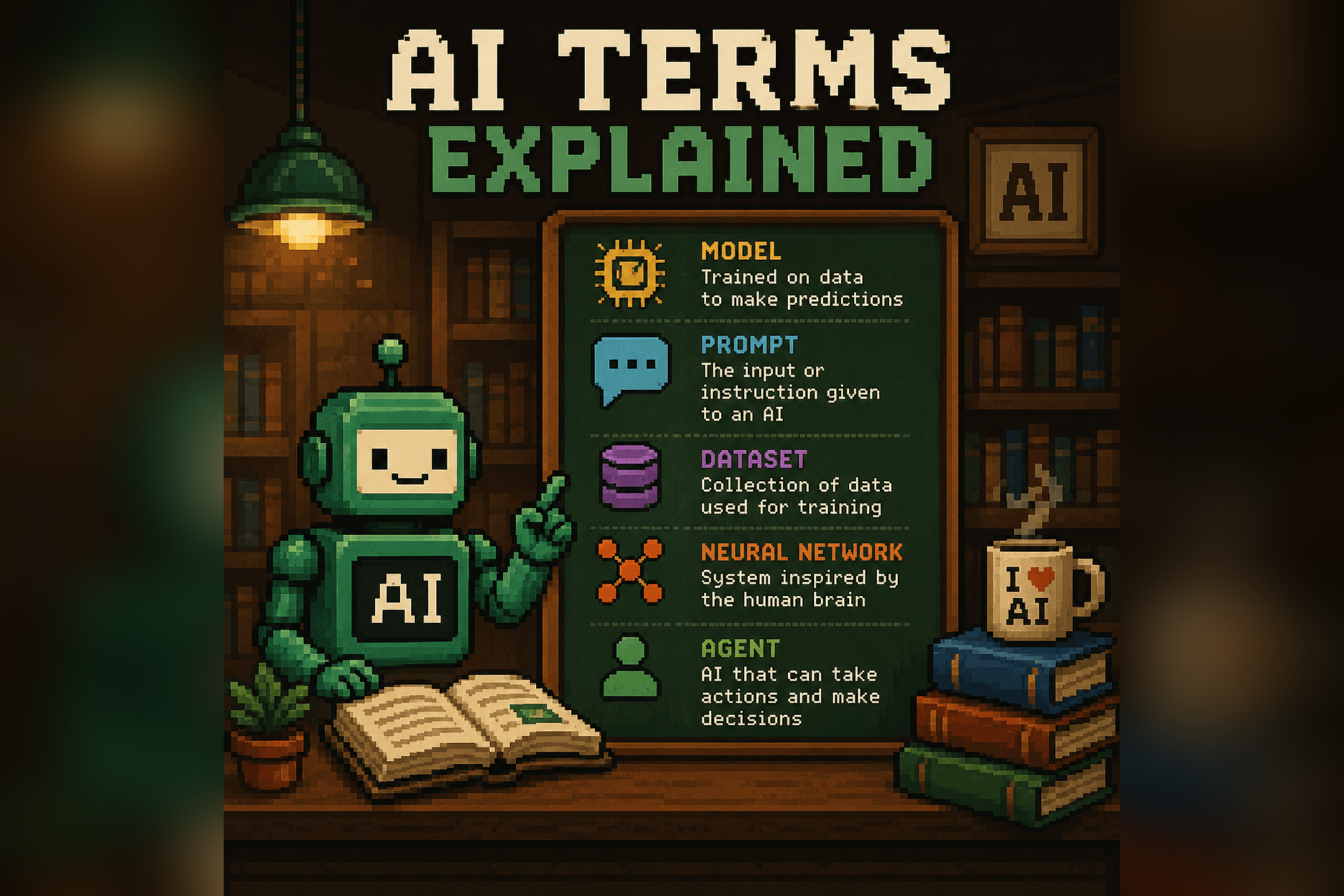

Here is the thing nobody tells you when you start using AI: prompting is not a technical skill. It is a communication skill. A prompt is just you telling the AI what you want, in plain language. That is the whole game. You do not need to know how the model works any more than you need to understand engine timing to drive a car.
I have watched a lot of smart people decide they are “bad at AI” because their first few tries gave them generic, useless answers. They were not bad at AI. They were just typing the way they type into Google. By the end of this guide you will write prompts that get noticeably better results, using a framework you can remember without notes. No jargon, no engineering degree, no secret syntax. Just clear thinking, written down.

What is a prompt (and why most people’s are bad)
A prompt is the message you send to an AI. That is it. “Write me an email.” “Explain this contract.” “Give me dinner ideas.” All prompts.
So why are most of them bad? Because we are still in the habit of talking to a search box. We toss in two or three keywords and expect the machine to read our minds. But AI is not matching keywords to web pages. It is responding to everything you give it. When you give it almost nothing, it fills the gaps with the most average, middle-of-the-road answer it can produce, which is exactly the bland output people complain about. The quality of what comes out is tied directly to the quality of what you put in. Vague question, vague answer. Specific question, useful answer.
Think of it less like a search engine and more like a brilliant new hire on their first day. They can do almost anything you ask, but they know nothing about you, your customers, or what “good” looks like in your world. If you walked up to that new hire and said “write the email,” they would freeze. Tell them who it is for, what it needs to accomplish, and how you like things done, and they will hand you something solid. AI is the same. Most bad prompts are just instructions you would never give a real person.
The anatomy of a good prompt
You do not need a different trick for every situation. You need one durable framework you can lean on for almost anything. I think about it in four parts: context, task, format, and constraints. You will not always use all four, but the more of them you include, the better your odds.
- Context — who you are and what the situation is. “I run a small bakery and I am writing to a supplier who shorted my last order.”
- Task — what you actually want it to do. “Write a firm but polite email asking for a refund or replacement.”
- Format — how you want the answer back. A bulleted list, a short email, a table, a one-paragraph summary.
- Constraints — the guardrails. Keep it under 150 words. Friendly tone. Do not be passive-aggressive. Do not make up order numbers.
Here is the same request, before and after, so you can see what changes.
Before:
Write an email complaining about a late order.After:
I run a small bakery. A supplier delivered my flour order four days late and it threw off a wedding cake order. Write a firm but professional email to my contact there asking for a 20% credit on this order. Keep it under 150 words, keep the tone calm and businesslike, and do not be sarcastic.The first one gives you a generic template you will end up rewriting from scratch. The second gives you something you can almost send as-is. Same effort to think about, thirty extra seconds to type, completely different result. That gap is the whole reason this guide exists.
One thing worth saying: you do not have to cram all four parts into a single block of text or get the order right. You can type them as separate sentences, the way you would explain a task to a coworker over coffee. The labels are just a memory aid so you stop forgetting the parts that matter. After a week or two it becomes automatic, and you will catch yourself adding context and constraints without thinking about it. That is the goal. Not memorizing a formula, but building an instinct for telling the machine enough to actually help you.
Beginner mistakes that ruin AI answers
Almost every bad AI experience traces back to one of these. None of them are about intelligence. They are about habits we carry over from older tools.
- Treating it like Google. Typing “best laptop 2026 budget” gets you a search result, not a conversation. Write a full sentence about what you actually need. If this is your sticking point, I wrote a whole piece on it: you have been googling your AI, and here is the fix.
- Being vague. “Make this better” forces the AI to guess what “better” means to you. Shorter? Friendlier? More formal? Tell it.
- Accepting the first answer. The first response is a draft, not a verdict. The people who get the most out of AI almost never stop at the first reply.
- Giving no context. The AI does not know your job, your audience, or your goal unless you say so. Two sentences of background changes everything.
There is a fifth one that catches even experienced users: asking for too much in one shot. “Write my entire business plan” is a worse prompt than “let us start with the problem my business solves, then we will build out from there.” Big, vague asks produce big, vague answers. Break the work into steps, and let the conversation build. You will get something far more useful, and you will actually understand what you are getting.
Techniques that level you up
Once the basics feel natural, these are the moves that separate people who “use AI” from people who get genuinely great work out of it. You do not need all of them at once. Pick one this week.
Refine instead of rewriting
This is the single biggest upgrade for most people. When an answer is close but not right, do not delete it and start over with a brand-new prompt. Talk to it. “Good start, but make it warmer and cut the second paragraph.” The AI remembers the conversation, so each note nudges it closer to what you actually wanted. Treat it like a back-and-forth with a capable assistant, not a vending machine. I broke this down step by step in prompt refinement 101, because it is the habit that pays off the fastest.
Give examples (show, do not just tell)
Describing the tone you want is fine. Pasting an example of it is better. If you want emails that sound like you, paste two emails you have actually written and say “match this voice.” Want a product description in a certain style? Show one you like. The AI is very good at copying a pattern once it can see the pattern. Telling it “be casual” is a guess. Showing it casual removes the guesswork.
Assign a role or perspective
Telling the AI who to be focuses its answer. “You are a patient tax accountant explaining this to someone who has never filed as self-employed” gets you a very different, and usually more useful, response than the same question asked cold. The role is a shortcut for a whole bundle of assumptions about tone, depth, and vocabulary. Try “act as a skeptical editor,” “act as a friendly career coach,” or “act as my plain-English translator for legal documents.”
Ask for pushback
AI has a habit of agreeing with you. Left alone, it will cheerfully validate a mediocre plan. So make it argue. “Play devil’s advocate on this idea” surfaces the weak spots. “Steelman the opposite view” forces it to build the strongest possible case against you, which is even more useful when you are about to make a real decision. This one move has saved me from sending plenty of things I thought were great at 11pm.
Ask it to ask YOU questions
This one feels strange the first time and then you never stop using it. Before the AI answers, have it interview you. “Before you write this, ask me five questions that would help you do it well.” Suddenly you are handing over the context you would have forgotten to mention, and the answer comes back tailored instead of generic. It flips the work onto the tool, which is exactly where you want it.
It works because the hardest part of prompting is knowing what to include, and that is exactly the part the AI can help with. You do not have to anticipate everything yourself. Let it pull the details out of you. I use this constantly for things I am too close to, like writing about my own work, where I would never think to mention the things an outsider needs to know.
Copy-paste prompts to start with
Theory is nice, but starter prompts get you moving today. Copy any of these, swap in your own details, and go. For a bigger stash, these are pulled from the same well as the AI prompts I use most.
The interviewer. Great for any task where you are not sure what to include.
I want you to help me [write a cover letter / plan a trip / draft a difficult message]. Before you start, ask me the five most important questions you need answered to do this really well.The explainer. For understanding anything confusing.
Explain [topic] to me like I am smart but completely new to it. Use a real-world analogy, skip the jargon, and tell me the one thing most people get wrong about it.The editor. For tightening your own writing.
Here is something I wrote. Make it clearer and about 20% shorter without changing my meaning or my voice. Point out anything that is confusing or could be misread.The decision helper. For when you are stuck.
I am trying to decide between [option A] and [option B]. Ask me what matters most to me, then lay out the honest tradeoffs of each. Do not just tell me what I want to hear.The voice match. For writing that sounds like you.
Below are two things I have written. Study my tone and rhythm, then write [the new thing] so it sounds like the same person wrote it.Then paste your samples.
The fact-checker. For anything you plan to rely on.
Review what you just told me. Flag anything you are not fully confident about, separate the solid facts from the guesses, and tell me what I should verify on my own.Prompting by use case
The framework is the same everywhere, but the details shift depending on what you are doing. Here is where to go deeper on the tasks people use AI for most.
When the answers feel bland. If everything the AI gives you sounds like a corporate brochure, that is usually a context and constraints problem, not a you problem. I walk through the exact fixes in how to fix generic AI answers.
When accuracy actually matters. AI can sound confident and still be wrong. If you are using it for anything important, learn the habits in how to make your AI more accurate and honest so you can trust what you get.
When you are stuck for ideas. AI is a fantastic thinking partner once you know how to prompt it for it. Turning it into a real brainstorming buddy is mostly about asking for quantity first and judging later.
When you are brand new. If you have not yet had a genuinely useful exchange with an AI, start with your first useful ChatGPT chat in minutes. It is the fastest way to feel the difference a good prompt makes.
Where to go next
You now have the framework, the common traps, the techniques, and a handful of prompts you can use this afternoon. The only thing left is reps. Two ways to keep building from here.
First, find out where you actually stand. The how good are you at AI quiz takes a few minutes and points you at your weak spots, so you are not guessing what to work on. There is also a quick amplified quiz if you want a faster read.
Second, get the prompts in one place. The AI beginner’s playbook of prompts collects ready-to-use prompts you can keep next to you while you work, and the quick AI beginner’s guide is a tidy refresher if you ever need to start over from the top.
Good prompting is not a talent. It is a habit, and you just learned it. Go write one prompt today with context, task, format, and constraints, and watch what comes back.
Related guides
- The Amplified Prompt Library (50 copy-paste prompts)
- Prompt refinement 101
- The AI prompts I use most
- How to fix generic AI answers
- The AI beginner’s playbook of prompts
- How good are you at AI? (quiz)
Frequently asked questions
What is an AI prompt?
A prompt is simply the message you send to an AI tool like ChatGPT. It is you telling the AI what you want in plain language. Better prompts include context (your situation), the task, the format you want back, and any constraints like length or tone.
How do I write a good AI prompt if I'm not technical?
You don't need any technical skill. Use four plain-English parts: context (who you are and the situation), task (what you want done), format (how you want the answer), and constraints (length, tone, what to avoid). The more of these you include, the better the result.
Why are ChatGPT's answers so generic?
Usually because the prompt gave it too little to work with. When you provide almost no context, AI fills the gaps with the most average answer it can produce. Add background, be specific about what you want, and refine the first response instead of accepting it.
What's the fastest way to get better at prompting?
Refine instead of rewriting. When an answer is close but not right, talk to the AI and adjust it ('make it shorter and warmer') rather than starting over. Treating it like a back-and-forth conversation is the single habit that improves results the fastest.