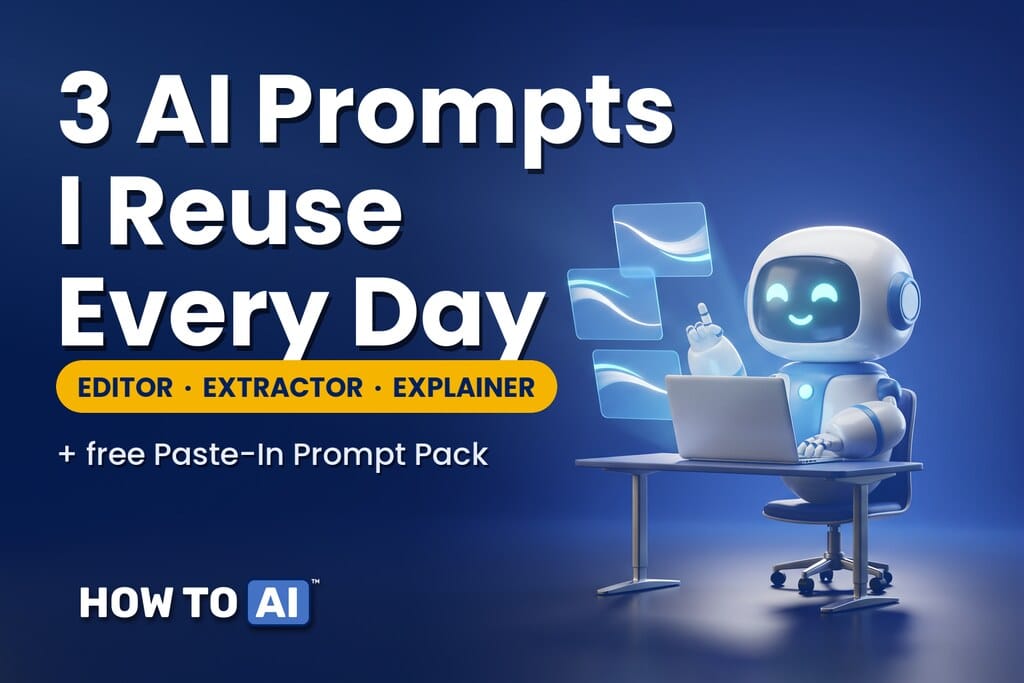
A few weeks ago I wrote that my most-used AI prompts are two words long. That’s true. It’s also not the whole story. The prompts that actually changed how I work aren’t short at all. They’re long, they’re a little boring, and I paste them in without changing a word. Here are the three, in full, with a copy-ready version at the end.
Why the best prompts are long on purpose
The two-word prompts work because the AI already has context. You’re mid-conversation. “Are you sure?” only makes sense after an answer.
Have a prompt that keeps giving you bland answers? Run it through the free prompt improver first.
These three are different. They start something. And when you’re starting from nothing, the AI needs to know what a good answer looks like before it writes one. That’s the whole trick: tell it the shape of the output, not just the topic. Most people describe the task and hope. These prompts describe the finish line.
I keep all three in a note on my phone. Paste, fill in the brackets, send.
The editor
For when you’ve written something and it’s too long. I use this on every email over four sentences, on newsletter drafts, on the message I’ve rewritten three times. Of the three, it’s the one I reach for most.
Edit this. Keep my meaning and my voice. Don't make it sound like you.

Cut it by about 30%. Remove any sentence that restates the one before it. Kill filler words ("just," "really," "I think"). Break up any paragraph longer than four lines.

Then give me a short list of what you changed and why, so I can put anything back.

Here it is:
[paste]- The part people skip: the last line. Without it, the AI quietly changes your meaning and you never find out. With it, you get a change log, and you stay the author.
The extractor
For when someone sends you a wall of text. Long email threads. Meeting transcripts. A 40-page PDF someone “just wants your thoughts on.” I don’t read them first anymore. I paste them into this.
Read this and give me:

1. The 5 most important points, one line each.
2. Decisions that were made.
3. Decisions that are still open.
4. Anything I owe someone: what, to whom, by when.
5. Anything that looks wrong, risky, or missing.

Be blunt. If a section is empty, say "none."

Here it is:
[paste]- Where it earns its keep: section 4 has saved me more than once. Section 5 catches the thing buried in paragraph six that everyone glossed over.
The explainer
For when you need to actually learn something. A new tool, a new acronym, a concept a client mentioned like it was obvious. This is the one I reach for when I’m supposed to already understand something and don’t.
Explain [topic] to me. I'm smart, but new to this.

Start with why it matters, in two sentences. Then the three things I need to know, in order. Then the one mistake beginners make. Define any jargon the first time you use it, in plain words.

Finish with one question to test whether I got it.- The part that makes it stick: that last line turns a lecture into a lesson. Answer the question and you’ll know in ten seconds whether it landed.
When the two-word prompts still win
Long isn’t automatically better. Once the AI has context, because you’ve pasted the doc or explained the situation, go back to short. “Shorter.” “Are you sure?” “What am I not asking?” Long prompts open the door. Short ones steer once you’re inside. Using a long one mid-conversation is like re-introducing yourself to someone you’ve been talking to for an hour. (The short ones are in The 6 AI prompts I use most.)
If this way of working with AI is new to you, it’s the whole idea behind my book Amplified. And if you’re studying for an AI certification, the explainer prompt is exactly what the AI tutor inside HOW TO // AI — CERT does for every question you get wrong, on the web and on iPhone.
🎁 Free download: The Paste-In Prompt Pack
All three prompts, full length and copy-ready, plus a one-line note on which one to use when, in a single Notion page you can keep on your phone. Works with ChatGPT, Claude, Gemini, or whatever you use. Free, as always.
Related guides
- The 6 AI Prompts I Use Most (They’re Shorter Than You’d Think)
- The Complete Guide to AI Prompting (for People Who Aren’t Engineers)
- How to Write Better Emails With AI in 5 Minutes
- I stopped typing to my AI — voice gets better answers
- Turn AI into your brainstorming buddy
Frequently asked questions
Why are these prompts so long when the best prompts are supposed to be short?
Short prompts steer a conversation that already has context. These three start one from a blank page, so they have to describe what a good answer looks like: the shape of the output, not just the topic.
Do these prompts work in ChatGPT, Claude and Gemini?
Yes. They are plain English with no tool-specific syntax. Paste one into any AI chat, fill in the brackets, and send.
Should I change the wording before I use them?
Only the brackets. The lines that look optional, like the change log in the editor, section 5 in the extractor and the test question in the explainer, are the parts that make them work.
Where can I copy all three prompts at once?
The Paste-In Prompt Pack is a free Notion page with all three prompts, full length and copy-ready. Save it to your phone and paste from there.