
The Essential AI Starter Guide for Busy Professionals
Welcome to HOW TO AI, your fast track to using AI to boost productivity, improve decision-making, and stay ahead in today’s rapidly changing business landscape.
Let’s dive into the three most important AI tools you should know.
ChatGPT — The Most Popular AI Assistant
What it is:
A versatile AI chatbot from OpenAI for writing, analysis, and problem-solving.
Best For:
Drafting emails, summarizing documents, brainstorming, automating workflows.
Get Started:
Visit chat.openai.com
OR, download the ChatGPT App for iOS, Android, Mac, or Windows
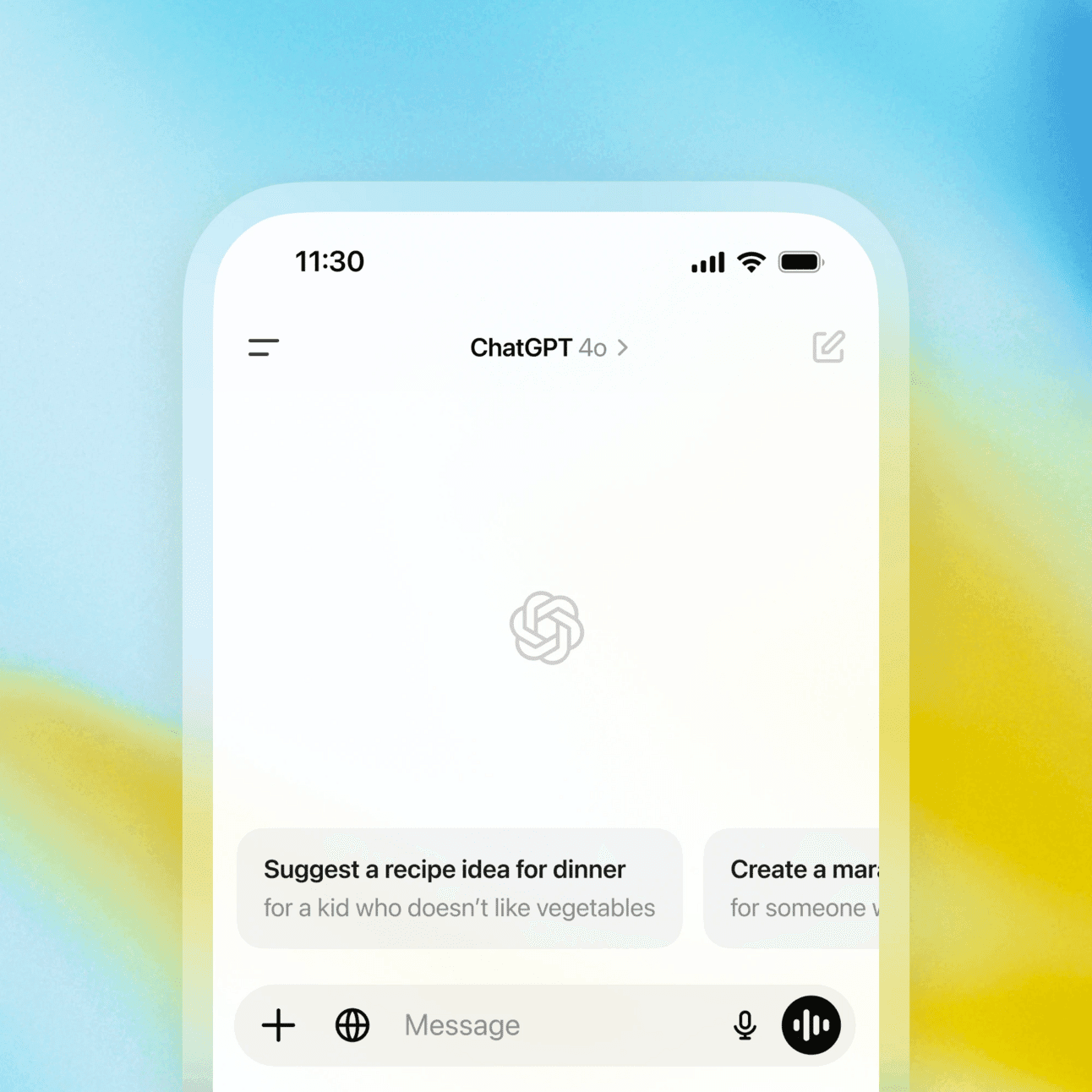
Example Prompt:
Summarize this product requirements document into a 5-slide PowerPoint outline.Gemini — Google’s AI for Workspace and Search
What it is:
Google’s AI integrated with Gmail, Google Docs, Google Sheets, and Search.
Best For:
Enhancing productivity, research, and data analysis.
Get Started:
Visit gemini.google.com
Example Prompt:
Analyze this Google Sheet and provide a summary of sales trends by region.Grok — X (Twitter)’s Conversational AI
What it is:
AI assistant built into X (Twitter) for real-time insights and conversational answers.
Best For:
Real-time event analysis, trend tracking, conversational responses.
Get Started:
Available with X Premium subscriptions.
Example Prompt:
Summarize the most discussed topics on X today related to the AI industry.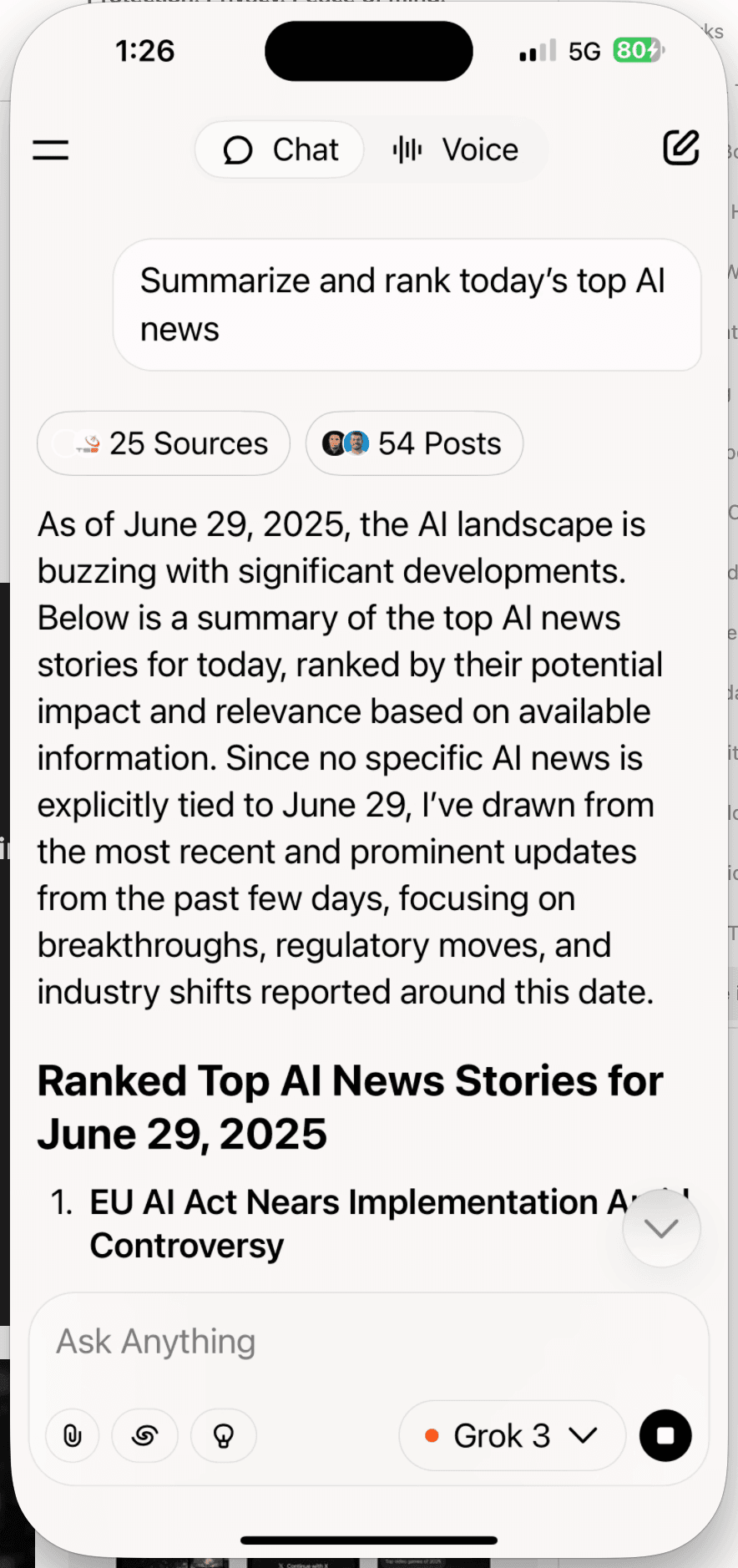
10 Practical Ways to Use AI Tools for Work
1. Draft Professional Emails Quickly
Write a follow-up email to a potential client after an introductory meeting.2. Summarize Complex Documents
Summarize this 15-page contract into a 1-page executive summary.3. Generate Meeting Notes from Bullet Points
Turn these bullet points into formal meeting minutes with action items.4. Brainstorm Product or Business Ideas
Give me 5 innovative product ideas for the home fitness industry.5. Analyze and Interpret Data Sets
Analyze this sales spreadsheet and highlight key growth opportunities.6. Automate Report Generation
Create a weekly sales report using this format based on the provided data.7. Create Marketing Content
Write a LinkedIn post about our company’s new sustainability initiative.8. Develop Process Checklists
Create a step-by-step checklist for onboarding a new remote employee.9. Write Code Snippets or Debug Code
Write a Python script to automate file sorting in a directory.10. Track Industry Trends in Real-Time
Summarize the top trending AI-related posts on X (Twitter) today.THE 10 Powerful AI Prompts You Can Start Using Today
Prompt 1
Summarize this document and highlight potential risks and opportunities.Prompt 2
Write a professional yet conversational LinkedIn post about [topic].Prompt 3
Give me a step-by-step process to achieve [business goal].Prompt 4
Create a competitive analysis comparing [your company] and [competitor].Prompt 5
Draft an email introducing our new product to potential partners.Prompt 6
Explain this technical concept to a non-technical executive audience.Prompt 7
Review this sales data and identify top-performing regions and potential gaps.Prompt 8
Generate five subject line variations for this email campaign to increase open rates.Prompt 9
Write a 30-second elevator pitch for our product focusing on ROI.Prompt 10
List current trending topics in [industry] based on social media discussions.How to Actually Start: Your First Week With AI
Reading about AI tools is easy. Building the habit is the part most people skip. Here is a simple first week that turns “I should use AI” into “I use AI.”
- Day 1 — Pick one tool. Do not sign up for all three. Choose ChatGPT if you mostly write and plan, Gemini if you live in Google Workspace, Grok if you want real-time answers. One account, one tab.
- Days 2-4 — Replace one real task. Take something you already do — a recurring email, a meeting summary, a first draft — and do it with AI instead. Use a real task, not a practice one.
- Day 5 — Follow up. Take yesterday’s output and push it: “make this shorter,” “more direct,” “give me two alternatives.” Most of the value is in round two, not round one.
- Days 6-7 — Save what worked. Paste your best prompt into a notes file. That file becomes your personal toolkit, and it is what makes week two faster than week one.
By the end of the week you will not have “learned AI” in the abstract — you will have done four real tasks with it, which is the only thing that actually sticks.
Beginner Mistakes to Avoid
- Tool-hopping. Jumping between ChatGPT, Gemini, and Grok before you are fluent in any one of them just spreads the learning curve thinner. Get comfortable with one first.
- One-line prompts for everything. “Write a bio” gives a generic bio. Tell the AI who you are, what it is for, and what to avoid. Context is the difference between fine and genuinely useful.
- Accepting the first answer. The first response is a draft, not a verdict. The people who get the most from AI treat every answer as something to push on.
- Trusting it blindly. AI sounds confident even when it is wrong. For anything that matters — facts, figures, advice — verify before you rely on it.
- Waiting to feel ready. You do not learn AI by studying it. You learn it by using it on Tuesday’s actual work.
Quick AI Beginner’s Guide: FAQ
Do I need to pay for these tools?
No — ChatGPT, Gemini, and Grok all have free tiers that are plenty for learning and most everyday tasks. Paid plans add speed, higher limits, and the newest models, but start free and upgrade only once you hit a real limit.
Which tool should a total beginner pick first?
ChatGPT is the most forgiving starting point — it handles writing, planning, summarizing, and brainstorming, and there is a tutorial or prompt for almost anything online. Add the others later, once one tool feels natural.
Is it safe to paste work documents into AI?
Treat anything you paste as potentially seen by the provider. For routine drafts it is fine; for confidential material, redact names and numbers first, or turn off chat history in the tool’s settings. When in doubt, leave it out.
Related guides
- How Good Are You at AI? The 4 Skill Levels
- The 2026 AI Starter Stack: Learn Faster, Work Smarter
- Unlock ChatGPT: Your First Useful Chat in Minutes
- How AI Chatbots Really Work!
Keep reading
- The Complete Guide to AI Prompting (for People Who Aren’t Engineers)
- ChatGPT vs Claude vs Gemini: Which AI Should You Use in 2026?
- Your Personalized AI Learning Path: Choose Your Own Adventure + Copy-Paste Prompts!
Frequently asked questions
How do I start using AI as a beginner?
Pick one tool such as ChatGPT or Claude, pick one small real task you already do — like drafting an email or summarizing a document — and use AI for just that. Getting one useful result builds the habit far faster than reading about AI.
What can I use AI for day to day?
Common starting points: drafting and editing writing, summarizing long documents or emails, brainstorming ideas, explaining things in plain language, and prepping for meetings or interviews. Start with tasks you already do, then expand.
Do I need any technical skills to use AI?
No. Modern AI tools work through plain conversation — you type what you want the way you would ask a knowledgeable colleague. No coding, setup, or special vocabulary required.
What is the fastest way to get better at AI?
Use it on real work, repeatedly. Reading more guides helps less than running one workflow over and over until it is second nature. Build one habit, then add the next.