
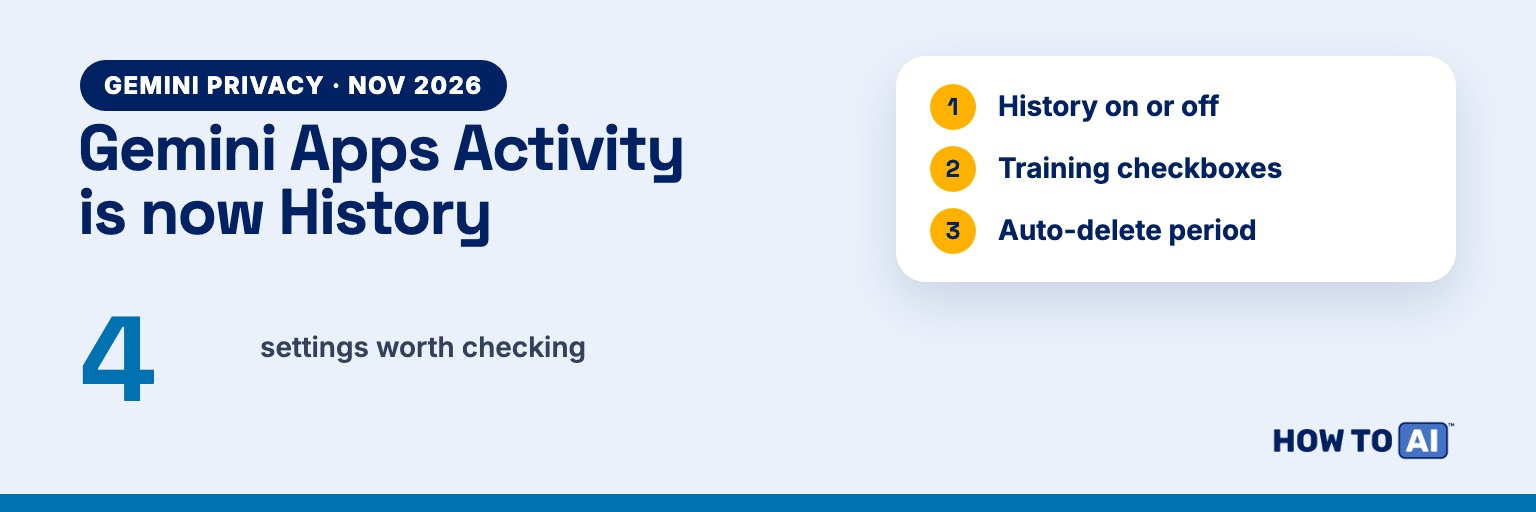
Short answer: On November 16, 2026, Google renamed the Gemini Apps Activity setting (also called Keep Activity) to History, and split it in two: one switch for saving your chats, and separate checkboxes for whether your chats train Google’s AI. Google says your Gemini chats are not used to show you ads. Even with History off, Google keeps new chats for about 2 months, not the 72 hours it used to. Here’s what’s stored, the settings worth changing, and how to delete what’s already there.
What changed on November 16, 2026
- New name. The setting is now called History (Google also writes “Gemini History”). Google is rolling it out worldwide over several weeks, so your app may still say Gemini Apps Activity or Keep Activity. They’re the same switch.
- Training is now its own choice. Inside History there are separate checkboxes for whether your chats and your audio are used to train Google’s AI. You can keep your chat history and still opt out of training.
- “Off” keeps chats longer. With History off, new chats are still saved for about 2 months (it used to be up to 72 hours), so Gemini can reply, process feedback and handle safety.
What Google keeps when History is on
History is on by default if you’re 18 or older. When it’s on, Google saves to your Google Account:
- Your prompts and anything you share: files, photos, screens
- Gemini’s responses, plus tasks and tool calls it ran for you
- Your audio, and Gemini Live video and screen shares
- Feedback you give (thumbs up or down)
- Your device’s general area, IP address, and the Home and Work addresses in your account
- Information from apps you connect to Gemini
Google says your precise location is not stored in your Gemini History. By default, history auto-deletes after 18 months. You can change that to 3 months, 36 months, or never.
Does Google use your Gemini chats for ads?
Not today, according to Google. Its Gemini privacy FAQ says: “Your Gemini Apps chats are not being used to show you ads.” It adds that it will tell you clearly if that changes. Note the present tense, and keep an eye on Google’s privacy notice.
Don’t confuse the Gemini app with AI Mode in Google Search. AI Mode and AI Overviews do show ads, labeled “Sponsored,” and Google’s ads help says they can be matched to both your search and the AI’s answer. That’s Search, not your Gemini chats.
How to turn off Gemini History
On the web: go to gemini.google.com, open Settings at the bottom of the side panel, then History. You can also go straight to myactivity.google.com/product/gemini.
In the Gemini app: open the menu, tap your profile picture or initial, then Gemini History.
From there, turn History off. Choose Turn off and delete history if you also want to erase what’s already saved. Turning it off stops saving new chats to your account. It doesn’t make Gemini forget instantly, as the next section explains.
Stop AI training but keep your history
Since the November update, training has its own checkboxes inside History (in the app: Settings, then Data & privacy, then History):
- Chat content including text & attachments: on by default for adults. Uncheck it and Google says your future chats won’t be used to train its generative AI models, unless you send feedback. They can still be used to improve Google’s services in other ways.
- Audio and Gemini Live videos & screenshares: off by default.
If you like having your old chats in the side panel but don’t want them used for training, this is the setting to change.
What’s still kept when History is off
- About 2 months. New chats are still saved for around 2 months so Gemini can respond, process feedback and protect Google’s systems.
- Human review. Google says a subset of chats is read by human reviewers, including its trained service providers, whatever your settings. Chats are disconnected from your account before they go to reviewers.
- Reviewed chats stay up to 3 years, and deleting your history doesn’t delete them.
That last point is the one to remember: don’t type anything into Gemini you wouldn’t want a stranger to read, such as passwords, account numbers, health details or other people’s private information. Our 10-minute AI privacy audit covers the same habits for ChatGPT, Claude and Copilot.
Delete past Gemini chats
- One chat on the web: hover over it in the side panel, click More, then Delete.
- One chat in the app: open the menu, touch and hold the chat under Recent, then Delete.
- A time range or everything: in History, choose Delete, then Last hour, Last day, a custom range or All time.
Deleting your Gemini history doesn’t remove chats already picked for human review, links you shared publicly, or activity saved by other Google services such as Web & App Activity or YouTube history. Check those separately in My Activity.
Temporary chats
For a one-off question, start a temporary chat (the button next to New chat). It won’t appear in your history or recent chats, and Google says it isn’t used to train its AI models. It is still kept for about 2 months, like everything else, so it’s private from your history, not invisible to Google. Temporary chat isn’t available on work or school accounts.
Memory and Personal Intelligence are separate switches
Gemini can also remember things about you, and these have their own settings:
- Memory: Settings, then Personal Intelligence, then the Memory toggle. It needs History on, a personal account and age 18+. Ask Gemini “What do you know about me?” to see what it remembers, and edit or delete from there.
- Instructions you saved stay until you delete them.
- Personal Intelligence lets Gemini draw on Search, YouTube, Gmail, Photos and Wallet. Using your Search history also needs Web & App Activity on. You can switch it off for a single chat under Tools. It isn’t available in the EEA, the UK, Switzerland or Nigeria.
Work or school accounts
If you sign in with a Google Workspace account, the rules are different. Google says your chats and uploaded files aren’t reviewed by humans or used to train its generative AI models without permission. Your admin sets how long history is kept (3, 18 or 36 months; 18 by default) and may stop you from deleting chats. Temporary chat isn’t available.
Our recommended settings
| If you want… | History | Training checkboxes | Also |
|---|---|---|---|
| Convenience, with less data used for training | On, auto-delete 3 months | Both unchecked | Review Memory once a month |
| Maximum privacy | Off, with “Turn off and delete history” | Both unchecked | Memory and Personal Intelligence off; use temporary chats |
| The default experience | On, auto-delete 18 months | Chat content checked | Never paste sensitive details |
Comparing assistants? See Gemini vs ChatGPT, and how safe ChatGPT is with your data.
How we checked
We read Google’s own pages on November 21, 2026: the Gemini Apps Privacy Hub (updated November 19), Manage your Gemini history, Google’s November 16 announcement, and the Gemini help pages on Memory, Personal Intelligence and deleting chats. Some of Google’s older pages still say “Keep Activity” or “72 hours”; where they disagree, we went with the newest page. Settings move as Google rolls out the change, so names on your screen may differ slightly.
Related guides
- What Does AI Actually Know About You? The 10-Minute Privacy Audit
- Google Gemini vs ChatGPT: Which Should You Use? (Free Picker)
- Is ChatGPT Safe? Check Before You Paste
- Gemini Free vs Google AI Pro: What You Actually Get
- How to Delete Your ChatGPT Account (and Your Data)
Frequently asked questions
What happened to Gemini Apps Activity?
On November 16, 2026, Google renamed it History (also called Gemini History) and added separate checkboxes for AI training. It is rolling out over several weeks, so some apps still say Gemini Apps Activity or Keep Activity.
Does Google use my Gemini chats to show me ads?
Google's Gemini privacy FAQ says Gemini Apps chats are not being used to show you ads and that it will tell users if that changes. Ads do appear in AI Mode and AI Overviews in Google Search, which is separate from the Gemini app.
If I turn off Gemini History, is my chat deleted right away?
No. With History off, Google still saves new chats for about 2 months so Gemini can respond, process feedback and handle safety. Chats picked for human review are kept up to 3 years and are not deleted when you delete your history.
How do I stop Gemini from training on my chats?
Open History in Gemini's settings and uncheck "Chat content including text & attachments." Google says your future chats then won't be used to train its generative AI models unless you send feedback. Audio training is off by default.
Are Gemini temporary chats private?
They don't appear in your history and Google says they aren't used for training, but they are still kept for about 2 months. Temporary chat isn't available on work or school accounts.
Is Gemini different for work accounts?
Yes. With a Google Workspace account, Google says chats and uploaded files aren't reviewed by humans or used to train its generative AI models without permission, and your admin sets how long history is kept.