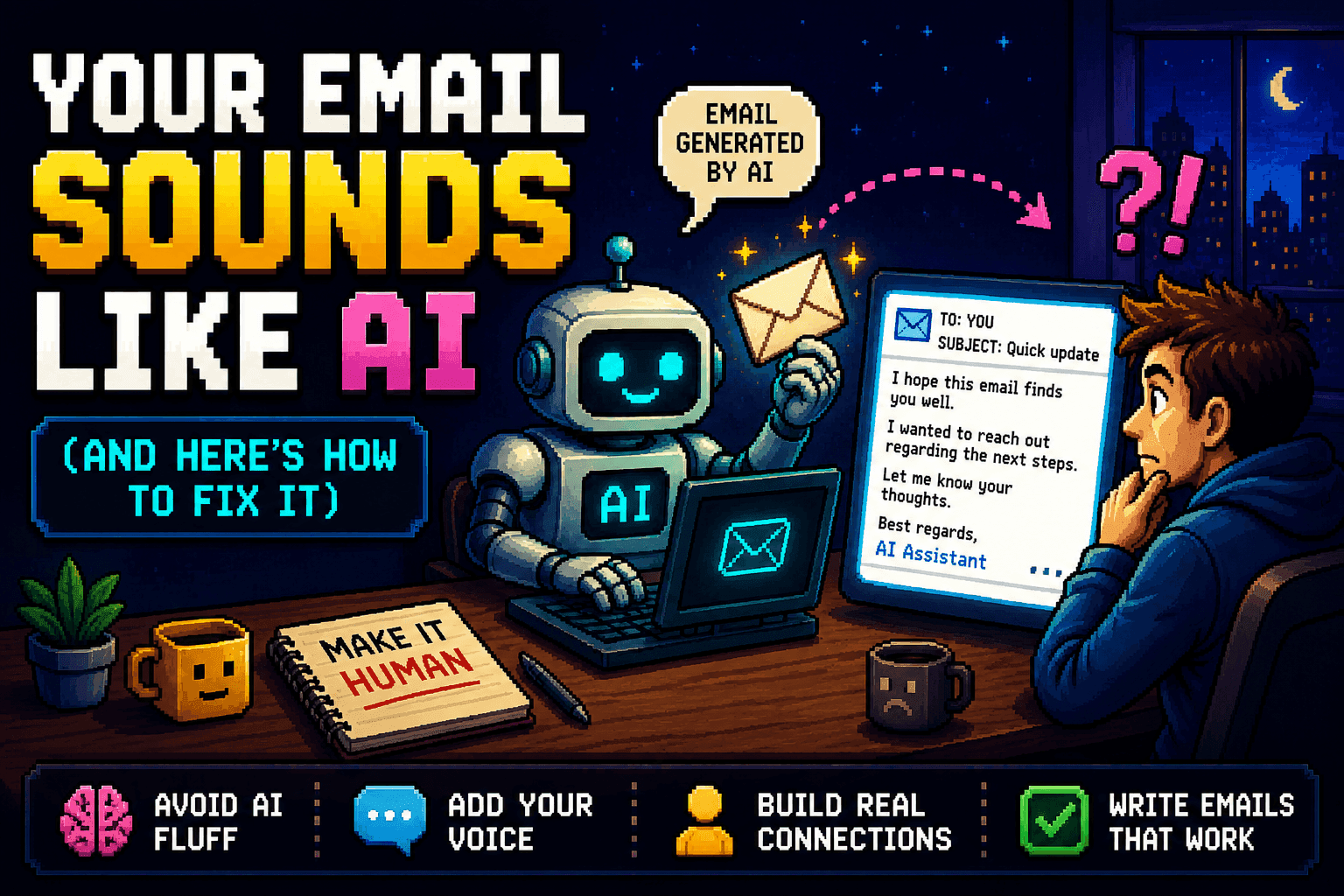
You don’t need to be “good at AI” to write a better email. You just need the right three-part request. Here’s the exact formula, a real before-and-after, and a copy-paste template you can use today — in ChatGPT, Claude, or Gemini.
Most of us don’t struggle with what to say. We struggle with saying it well without burning 15 minutes second-guessing the wording — a polite decline, a follow-up that isn’t pushy, a reply to an unhappy customer. AI is great at exactly this, if you ask the right way. Type “write me an email” and you get generic robot copy. The fix isn’t a better tool. It’s a better request.

The 3-part formula: Context → Task → Tone. Miss one and the result falls flat.
- Context — who is this to, and what’s the situation? (“A client who’s two weeks late paying an invoice, but who we want to keep.”)
- Task — what do you want the email to do? (“Remind them politely and give them an easy way to pay.”)
- Tone — how should it sound? (“Warm and professional, four sentences max, no guilt-tripping.”)
Watch it work.
❌ Lazy prompt:“Write an email asking a client to pay their invoice.”Result: a stiff, five-paragraph letter that sounds like a debt collector.
✅ 3-part prompt:Context: A long-time client, Sarah, is two weeks late on a $1,200 invoice; we value the relationship and it’s probably an oversight.Task: A short reminder that makes it easy to pay and doesn’t damage the relationship.Tone: Friendly, warm, four sentences max. Sound like a real person.Result: a warm, human note instead of a form letter.
Same AI, same 30 seconds. The request did the work.
Your copy-paste template — fill in the three blanks:
Context: [Who it's to + the situation, in a sentence or two]
Task: [What you want the email to accomplish]
Tone: [How it should sound + any length limit]

Write the email.Pro move: add one line — “Match my writing style: casual, short sentences, no corporate jargon.” Now it sounds like you, not a template.
Answering the same customer questions over and over? Skip the emails entirely and turn them into a self-serve AI FAQ.
Three beginner mistakes to skip: being vague about tone (“professional” can mean stiff — say “friendly but direct”); accepting the first draft (just reply “make it shorter” or “less formal”); and over-sharing — never paste passwords or full card numbers into a chatbot.
Try it now: open any AI chatbot and rewrite the last awkward email you sent this week using Context → Task → Tone. You’ll feel the difference immediately.
🎁 Free download: The 5-Minute Email Toolkit
The Context → Task → Tone template plus 10 ready-to-send email prompts — the polite decline, the follow-up that isn’t pushy, the unhappy-customer reply, the gentle payment reminder, and more. Free with your email address.
Related guides
- Inbox Zero With AI (In 15–20 Minutes a Day)
- Use AI as Your Personal Proofreader
- The AI Work Efficiency Kit
- Save 5 Hours at Work — Free AI Kit Inside
Frequently asked questions
Why do my AI-written emails sound robotic?
Because the request is too vague. Typing "write me an email" gives generic copy. Spell out three things — Context, Task, and Tone — and the same AI produces something that sounds human.
What is the Context → Task → Tone formula?
A three-part request: Context (who the email is to and the situation), Task (what you want the email to accomplish), and Tone (how it should sound, plus any length limit). Miss one and the result falls flat.
Does this work in ChatGPT, Claude, and Gemini?
Yes. The formula is tool-agnostic — it works in any AI chatbot, because the quality comes from the request, not the tool.
How do I make AI match my own writing style?
Add one line to the prompt: "Match my writing style: casual, short sentences, no corporate jargon." That shifts the output from a generic template to something that sounds like you.