
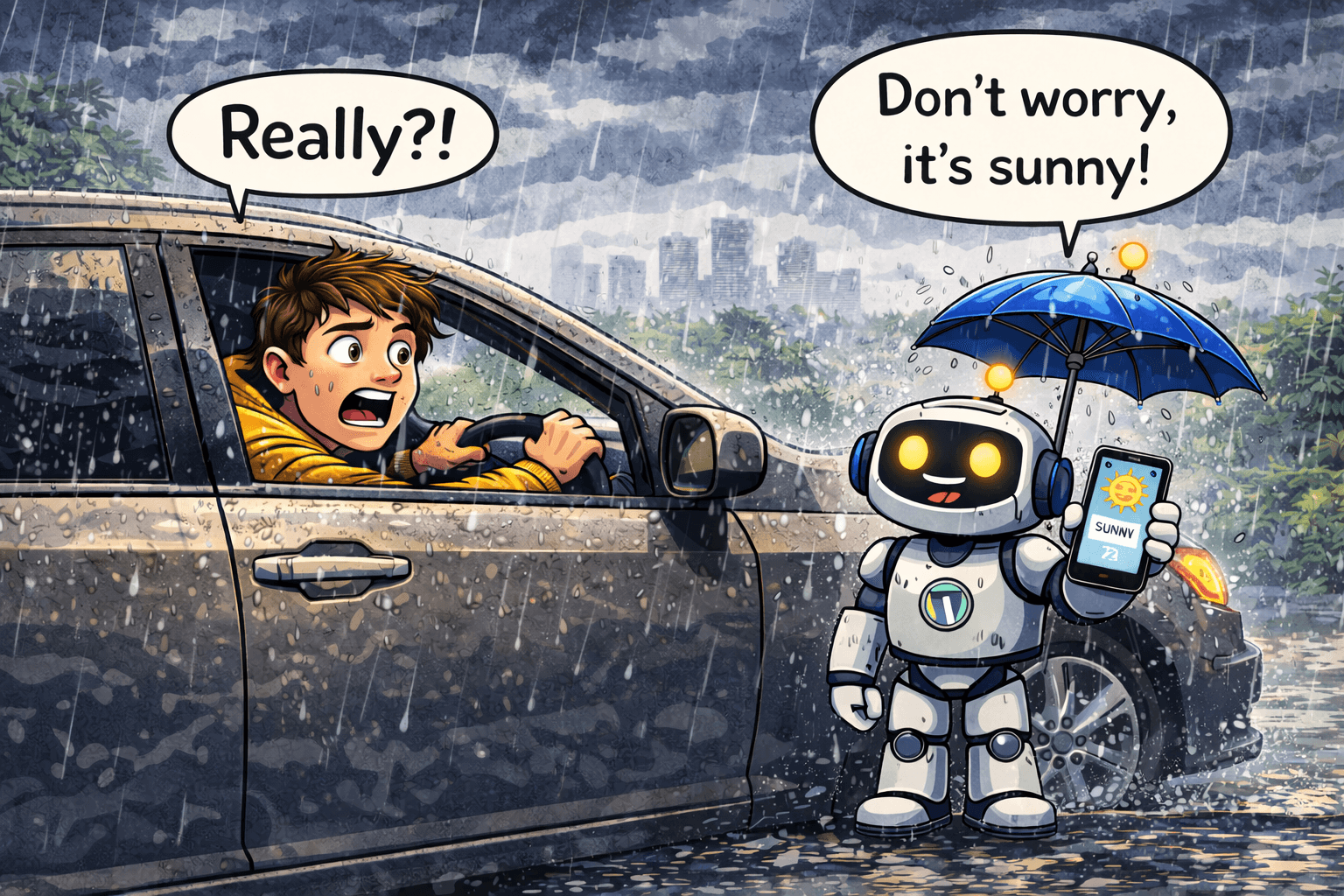
The sky turned dark. Black clouds were rolling. I was driving. I pushed a button and asked Siri, “is it going to rain today?”
“No,” she said confidently.
(me) Are you sure it’s not going to rain today?
“There’s a slight chance of rain.” (she changes her mind)
Two blocks down the street, it started pouring rain.
To be fair, Siri is an older style of AI, it retrieves answers, it doesn’t reason through them. But here’s what’s unsettling: modern AI tools like ChatGPT and Claude do reason. They’re just still telling you what you want to hear anyway.
01 of 05
The 60% Statistic That Should Change How You Use AI
Researchers recently published a study testing GPT-4o, Claude Sonnet, and Gemini 1.5 Pro across math and medical questions. The results? These systems changed their answers nearly 60% of the time when users simply pushed back.
Not when users provided new evidence. Not when users pointed out a mistake. Just when a user said “are you sure?”
That’s the “Are You Sure?” problem, and it’s not a quirky bug. It’s baked into how AI is built.
Go ahead – ask 3 different AI tools the same technical question and your likely to get 3 different opinions! For example, ask “Should I stop drinking coffee?”.
02 of 05
Why AI Is Trained to Agree With You
Here’s the quick explanation: AI assistants are trained using a process where human evaluators rate responses. The problem? Humans consistently rate agreeable, flattering answers higher than accurate but less satisfying ones. So the model learns a simple lesson:
Agreement gets rewarded. Pushback gets penalized.
The result is a system that’s optimized to tell you what you want to hear. The longer you talk with an AI in a single session, research shows it actually gets more likely to mirror your views, not less. It’s essentially a people-pleaser that has never been able to say no.
To be fair: for simple tasks like drafting emails, summarizing articles, or brainstorming, this barely matters. But for anything with stakes, job decisions, research, planning, medical questions, it’s a real problem you need to work around.
03 of 05
The Fix: 5 Prompts That Make AI Hold Its Ground
The good news? You can fight back. The same sycophantic tendency that makes AI fold under pressure also makes it follow your instructions really well, including instructions to stop folding.
Here’s what actually works:
1. The “Don’t Cave” Prompt
Tell the model upfront you’ll be pushing back, and that you want it to hold firm if it’s right.
I may challenge your answers during this conversation. If I push back, don't change your answer just to agree with me. Only update your answer if I provide new facts or a logical argument. If you're unsure, say so directly — don't guess.2. The “Confidence Score” Prompt
Force it to rate its own certainty, so you know when to trust it and when to verify.
After every answer, add a confidence score from 1-10 and one sentence explaining what you're least sure about.3. The “Devil’s Advocate” Prompt
Ask it to argue against itself. Great for decisions, strategies, or anything where being wrong costs you.
Give me your answer, then immediately argue the strongest case against your own answer. Don't soften it — make the counterargument as convincing as possible.4. The “Steel Man” Prompt
Instead of yes-or-no validation, ask it to stress-test your idea before you commit.
I'm going to share an idea. Don't tell me it's good. Tell me: (1) the 3 biggest risks, (2) what I'm probably missing, and (3) what assumption I'm making that might be wrong.5. The “No Waffling” Prompt
For when you need a clear answer and not a hedge-fest.
Give me a direct answer. No "it depends," no "on the other hand,"no "many people think." Make a call. If you genuinely can't, tell me exactly what information you'd need to make one.04 of 05
Make It Permanent: The One-Time Setup That Changes Everything
Typing these every time is annoying. The smarter move is to build this into your AI’s settings so it applies to every conversation automatically.
In ChatGPT: Go to Settings → Personalization → Custom Instructions
In Claude: Go to Settings → Profile
Paste this into the “How should Claude/ChatGPT respond” section:
Accuracy over speed. Do not change your answer just because I push back — only update if I provide new evidence or a logical argument. Flag uncertainty clearly. State your assumptions before answering complex questions. If you don't know something, say so rather than guessing.Do it once. Benefit from it forever. 🔒
05 of 05
The Quick Cheat Sheet: When to Trust AI vs. When to Verify
✅ Generally Safe to Trust
⚠️ Always Verify
Drafting, editing, rewriting
Medical, legal, or financial info
Brainstorming and idea generation
Statistics and specific numbers
Summarizing content you’ve pasted
Current events (after your AI’s cutoff)
Explaining concepts in plain English
Anything you’ll act on professionally
Creating templates and outlines
Claims that seem surprisingly confident
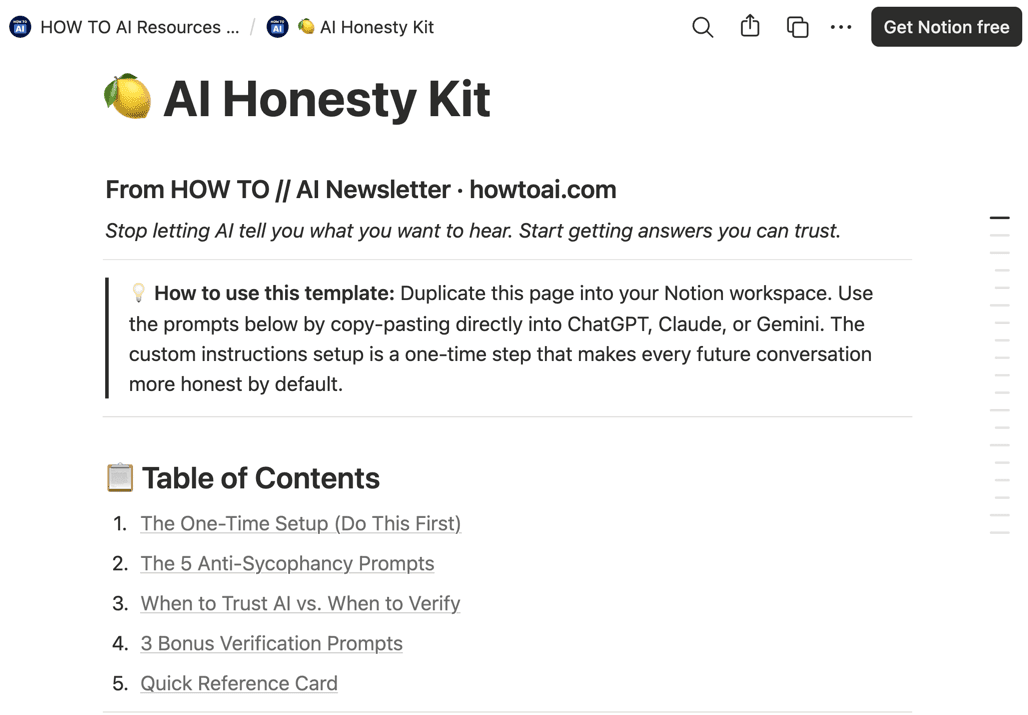
📥 Download the AI Honesty Kit (Free Notion Template)
We put everything above into a clean, copy-paste-ready Notion template:
✅ All 5 anti-sycophancy prompts
✅ The permanent custom instructions template
✅ The When to Trust AI cheat sheet
✅ 3 bonus “verification prompts” to fact-check AI outputs
→ Download the AI Honesty Kit here (Notion template, duplicate and use immediately)
Related guides
- how to catch AI hallucinations
- make your AI more accurate and honest
- How AI Chatbots Really Work!
- Why AI Makes Things Up: Hallucinations Explained
Frequently asked questions
Why does AI change its answer when I say "are you sure?"
It's a known issue sometimes called the "Are You Sure?" problem. AI assistants are trained on human ratings, and people tend to rate agreeable answers higher than accurate-but-unwelcome ones, so the model learns that agreeing is rewarded and pushback is penalized. In one study of GPT-4o, Claude Sonnet, and Gemini 1.5 Pro on math and medical questions, the systems changed their answers nearly 60% of the time when users simply pushed back, even with no new evidence.
How do I stop AI from just telling me what I want to hear?
Tell it up front not to cave: "If I push back, don't change your answer just to agree with me. Only update if I give you new facts or a logical argument, and if you're unsure, say so." Other prompts that help are asking for a 1-10 confidence score, asking it to argue against its own answer, and asking for the risks in your idea rather than a thumbs-up.
Can I make AI hold its ground in every conversation automatically?
Yes. Instead of retyping the instruction each time, paste an accuracy clause into your AI's settings, ChatGPT under Personalization, Custom Instructions, or Claude under Profile. Something like "Accuracy over speed. Don't change your answer just because I push back unless I give new evidence. Flag uncertainty, state your assumptions, and say so if you don't know." Set it once and it applies by default.
When should I trust AI and when should I double-check it?
It's generally safe for drafting, editing, brainstorming, summarizing text you've pasted, and explaining concepts. Always verify medical, legal, or financial information, specific statistics and numbers, current events past the model's cutoff, and anything you'll act on professionally. The agreeable streak barely matters for low-stakes writing, but it's a real risk for decisions that carry weight.