
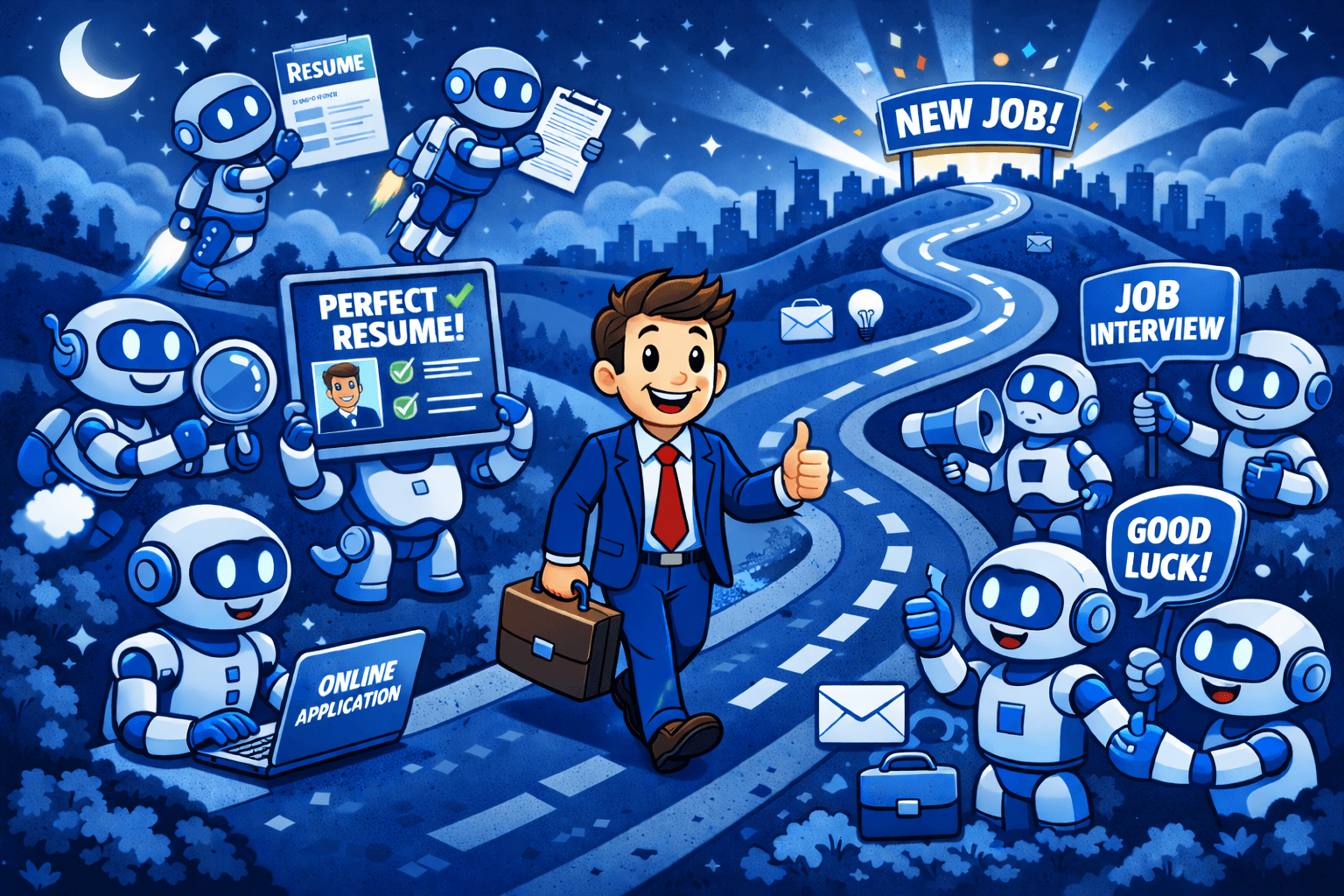
Job searching sucks. Hours customizing resumes, writing cover letters from scratch, researching companies. Then you hear nothing back.
Here’s what changes everything → stop writing. start prompting.
I’m talking about using AI to do the research, drafting, and customization, while you focus on strategy and authenticity. The result? More applications, better quality, higher response rate.
Here’s the system.
The 5-Tool Stack
- 1. ChatGPT or Claude — Main writing assistant
- 2. Perplexity — Company research with sources
- 3. LinkedIn — Job discovery
- 4. Google Docs — Version control
- 5. Notion or Airtable — Application tracking
STEP 01 of 05
Build Your Master Resume (Once)
Build one comprehensive master resume with EVERYTHING. Then customize for each job.
(Download the prompts here, duplicate into your Notion library, free!)
The Prompt:
I'm building a master resume. Here's my work history: [paste your experience]

For each role, help me write 5-7 bullet points that:
- Start with strong action verbs
- Include specific metrics and outcomes when possible
- Highlight both technical skills and soft skills
- Use industry-standard keywords

Format each bullet as: [Action Verb] + [What You Did] + [How It Helped/Result]STEP 02 of 05
Research the Company (5 Minutes)
Use Perplexity (it has citations and current data, unlike GPT alone).
The Prompt:
Research [Company Name] and tell me:
1. Their main products/services and recent news
2. Company culture and values (from employee reviews and their careers page)
3. Recent challenges or growth areas mentioned in news/earnings
4. Key skills and qualities they emphasize in job postings

Give me 3-5 bullet points I can reference in my application.
Copy these insights into a doc, you’ll weave them into your resume and cover letter.
STEP 03 of 05
Customize Your Resume for THIS Job (10 Minutes)
The Prompt:
Here's the job description: [paste full job description]

Here's my master resume: [paste your master resume]

Customize my resume for this specific role:
1. Select the 5-7 most relevant bullet points from my experience
2. Reorder them so the most relevant experience is first
3. Add 2-3 keywords from the job description naturally into my bullets
4. Write a 2-3 sentence professional summary tailored to this role

Keep my authentic voice and don't exaggerate my experience.STEP 04 of 05
Write a Cover Letter That Gets Read (15 Minutes)
Most cover letters are templated garbage. AI helps you write one that’s specific, human, and actually compelling.
The Prompt:
Write a cover letter for this job: [paste job description]

About me: [paste 3-4 key accomplishments from your resume]

Company research: [paste the 3-5 bullets from your Perplexity research]

Structure:
- Opening: One sentence hook about why THIS company excites me (reference their recent news/mission)
- Body paragraph 1: My most relevant experience and how it maps to their needs
- Body paragraph 2: Specific example of a challenge I solved that's similar to what they're facing
- Closing: One sentence about what I'd bring to the team + enthusiastic call to action

Tone: Professional but conversational. Sound like a human, not a robot.
Length: 250-300 words max.Edit ruthlessly. Remove any phrase that sounds like AI wrote it.
STEP 05 of 05
Prep for Interviews Before You Apply (10 Minutes)
Prepare for the interview WHILE you’re applying. When they call, you’re ready.
The Prompt:
Based on this job description [paste it] and my background [paste resume], generate:

1. 5 questions they're likely to ask me and strong answers using my real experience
2. 3 questions I should ask them that show I'm strategic and thoughtful
3. One 30-second "tell me about yourself" answer that's compelling

Make the answers conversational and authentic, not rehearsed-sounding.The Application Tracker
Track everything in Notion or Airtable with these columns:
- Company
- Role
- Date Applied
- Status
- Follow-up Date
- Notes
Example row: Acme Co · PM · 2/1/26 · Applied · 2/8/26 · Spoke with recruiter
For each entry, also link to the posting, your customized resume (PDF), the cover letter, your interview prep notes, and the follow-up template.
Bonus: The Follow-Up Template
After you apply, wait 5–7 days, then send this:
The Prompt:
Write a brief, professional follow-up email to [Hiring Manager/Recruiter Name] about my application for [Job Title] at [Company].

Keep it to 3-4 sentences:
- Restate my interest
- Mention one specific thing about the company/role that excites me
- Politely ask about next steps

Tone: Enthusiastic but not desperate. Professional but warm.Download the Complete Toolkit
I’ve created a Job Search AI Toolkit with everything you need:
- ✅ All prompts (copy-paste ready)
- ✅ Master resume builder template
- ✅ Application tracker (Notion + Airtable)
- ✅ Interview prep question bank
- ✅ Follow-up templates
- ✅ Salary negotiation scripts
Download the Job Search AI Toolkit here
Your Action Plan This Week
- Day 1–2: Build your master resume
- Day 3: Set up your tracker
- Day 4: Apply to 3–5 jobs using this system
- Day 5: Send follow-ups to last week’s applications
By next week, you’ll have more interviews than you did all last month.
The Mistakes to Avoid
- ❌ Copy-pasting AI output → Always edit for your voice
- ❌ Same resume for every job → Customize or get ignored
- ❌ No follow-up → Most people skip this, don’t be most people
- ❌ Lying about experience → AI helps you present better, not invent
Final Thought
AI won’t get you the job. You will.
But AI gets you IN THE ROOM faster, with better materials, and more confidence. That’s the difference between 2 months of rejection and 2 weeks of back-to-back interviews.
Related guides
- Use AI to Draft Your Job Description (and Catch Red Flags)
- Use AI as a Personalized Interview Coach
- Polish Your LinkedIn Posts with AI
Frequently asked questions
How do I use AI to apply for jobs faster?
Build one comprehensive master resume with everything you've done, then use AI to customize it for each role instead of rewriting from scratch. A simple system is: research the company (Perplexity is good because it cites sources), tailor your resume to the job description, draft a cover letter, and prep interview answers, all from copy-paste prompts. You focus on strategy and authenticity while AI handles the drafting.
Is it safe to use AI to write my resume and cover letter?
Yes, as long as you use it to present your real experience better, not to invent it. Always edit the output for your own voice and remove anything that sounds AI-written, since templated, robotic text is exactly what gets ignored. AI helps you draft faster and tailor to each job; it shouldn't exaggerate or fabricate accomplishments you don't have.
What AI tools do I need for a job search?
A workable stack is five tools: ChatGPT or Claude as your main writing assistant, Perplexity for company research with sources, LinkedIn for finding roles, Google Docs for version control, and Notion or Airtable to track applications. You don't need all of them to start, but a tracker and a research tool make a noticeable difference.
Should I customize my resume for every job application?
Yes. Sending the same resume everywhere is one of the fastest ways to get filtered out. The faster approach is to keep one master resume and have AI pull the 5-7 most relevant bullets for each posting, reorder them, and weave in a few keywords from the job description naturally. It takes about ten minutes per job once your master resume exists.