

Every support team has the same problem: the same questions show up again and again. The fix isn’t more agents—it’s turning what you’ve already answered into something customers can find instantly.
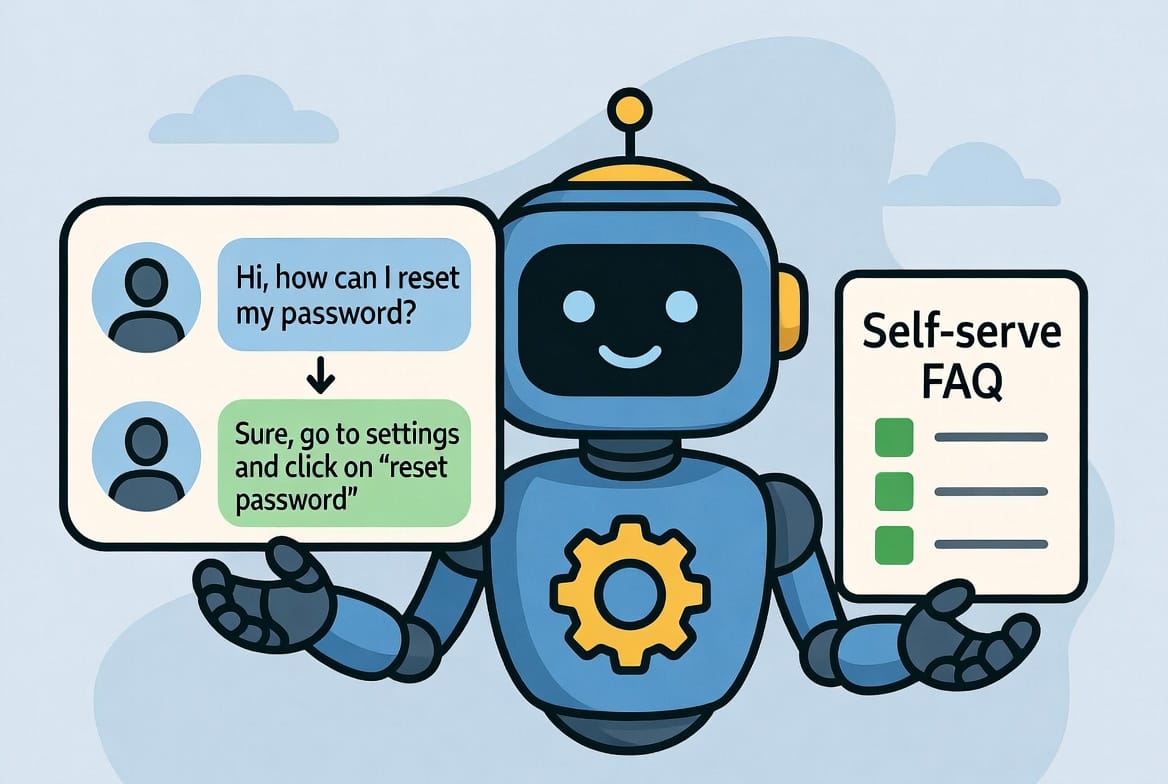
Cut repeat tickets. Give customers answers instantly.
If customers keep asking the same “How do I…?” questions, your support inbox already contains your best FAQ. In under an hour, you can turn last week’s solved tickets into a clean help page and publish that OR, even better, you could then plug that into an AI support SaaS so customers get instant answers before they open a new ticket.
Step 1: Export the last 7 days of solved tickets
Keep only the conversation text (customer + agent). Remove IDs, tags, internal notes, and anything that isn’t dialogue. Strip personal info like names, emails, order numbers, and addresses. Save it as support_raw.txt.
Step 2: Generate your first draft FAQ in ChatGPT
Paste this prompt, then paste the transcript:
You are a customer-support analyst. Create a public FAQ from the chat log below. Group similar questions. Use H3 headings. Keep answers under 120 words. Write in plain language.Step 3: Clean it up (fast)
Scan for duplicates and internal-only links (admin URLs, internal docs). Then run:
Remove duplicate questions. Delete internal-only links (anything with /admin or ‘internal’). Keep the same headings.Step 4: Spot-check the top 5 questions
Verify answers against your docs and the live product flow. If one answer is wrong, fix only that entry:
Update FAQ #__ using this correct info: ____. Keep everything else unchanged.Step 5: Publish + automate support with an AI SaaS
Once your FAQ is live, you have two good paths:
- Traditional support AI (best if you already use a helpdesk):Tools like Intercom Fin, Zendesk AI, and Forethought can answer directly inside your support chat widget using your help center content, deflect repetitive tickets, and hand off to agents when needed.
- “Bring-your-own-knowledge” chatbots (best for a fast fan/customer FAQ bot):Tools like CustomGPT (and similar “upload your docs + get a chatbot” platforms) let you upload your FAQ, docs, and even cleaned ticket exports to create a branded chatbot you can embed on your site—often with less setup than a full helpdesk workflow.
What to Check Before You Publish
An AI-drafted FAQ is a strong first pass, not a finished page. Before it goes live, run it past four quick checks:
- Accuracy. The model is summarizing what your agents wrote, and agents are sometimes wrong or out of date. Confirm every answer against your current product and docs.
- Tone. Support transcripts can be terse or apologetic. A public FAQ should sound calm and confident. One pass for tone fixes this fast.
- No private data. Re-scan for names, emails, order numbers, and internal links even if you stripped them earlier — they hide in quoted text.
- Coverage gaps. If a known top question is missing, it simply was not in last week’s tickets. Add it by hand.
Keep the FAQ Alive
A FAQ that is written once and forgotten slowly goes stale, and a stale help page sends people right back into your ticket queue. Put a 20-minute refresh on the calendar each month: export the latest solved tickets, run the same prompt, and ask the model to flag only what is new or changed.
Here is my current FAQ and a new batch of solved
tickets. List only: (1) questions not yet covered,
and (2) answers that look out of date. Do not rewrite
the whole FAQ.That keeps the page accurate without you re-reviewing the whole thing every month.
Self-Serve AI FAQ: FAQ
How many tickets do I need to start?
One busy week is usually enough. Repeat questions cluster fast — if a question matters, it will show up several times in seven days. You can always run a second batch later to catch the long tail.
Will customers trust an AI-built FAQ?
They never see the “AI-built” part. They see a clear help page that answers their question. The AI is a drafting shortcut for you — what customers judge is whether the answer is correct and easy to read, which is why the accuracy pass matters.
Do I need a chatbot tool, or is a plain page enough?
A plain published FAQ page already deflects tickets and helps your SEO. A chatbot layered on top answers inside the support widget so customers never have to go hunting. Start with the page; add the bot once the page proves which answers people actually need.
📌 Key takeaway: One export, one clear prompt, one cleanup rule, and one targeted accuracy pass turns raw support chats into a polished FAQ—then an AI SaaS can serve those answers 24/7 so customers get clarity before they file another ticket.
More info on this topic can be found at – Microsoft: Using ChatGPT for creating FAQs and help documents
Related guides
- Use ChatGPT as Your AI Executive Assistant!
- Make Spreadsheets Talk to You with AI
- Turn Your Next Meeting into Action-Ready Minutes
- Inbox Zero With AI (In 15–20 Minutes a Day)
- What to Delegate to AI: The 3 Tasks I Quit Doing Myself
Frequently asked questions
How do I turn support tickets into an FAQ with AI?
Export the last seven days of solved tickets as plain text, strip out personal data and internal notes, then paste them into ChatGPT with a prompt asking it to group similar questions into a public FAQ with short, plain-language answers. Clean up duplicates, spot-check the top five answers against your real product, and publish.
Is it safe to put customer support transcripts into ChatGPT?
Only after you strip personal information. Before pasting, remove names, emails, order numbers, addresses, and internal links, and re-scan once more since that data often hides inside quoted text. For sensitive data, prefer a tool that keeps the content inside your own systems rather than a public chatbot.
How do I keep an AI-generated FAQ accurate and up to date?
Treat the AI draft as a first pass, not a finished page: confirm every answer against your current product and docs before publishing, since agents are sometimes wrong or out of date. Then put a 20-minute refresh on the calendar each month and ask the model to flag only what is new or changed.
Which AI tools can answer customer questions automatically from my FAQ?
The post points to two paths. If you already run a helpdesk, tools like Intercom Fin, Zendesk AI, or Forethought answer inside your support widget using your help content. For a faster standalone bot, upload-your-docs platforms like CustomGPT let you create an embeddable chatbot from your FAQ and ticket exports.