

Beginners have one AI tool. Amplified AI pros have a stack.
It took me about six months to figure that out. For a long time I was loyal to one — first ChatGPT, then Claude — and tried to use it for everything. The results were fine. But “fine” is what most people get from AI, and it’s not what I wanted.
Today, I’d like to share the stack I actually use now, in hopes that it helps you.
🎁 Free download: The Right Tool Cheat Sheet
A decision tree, a comparison table, and the sanity-check prompt pack — for picking the right AI tool every time.
Claude Code — for building anything real
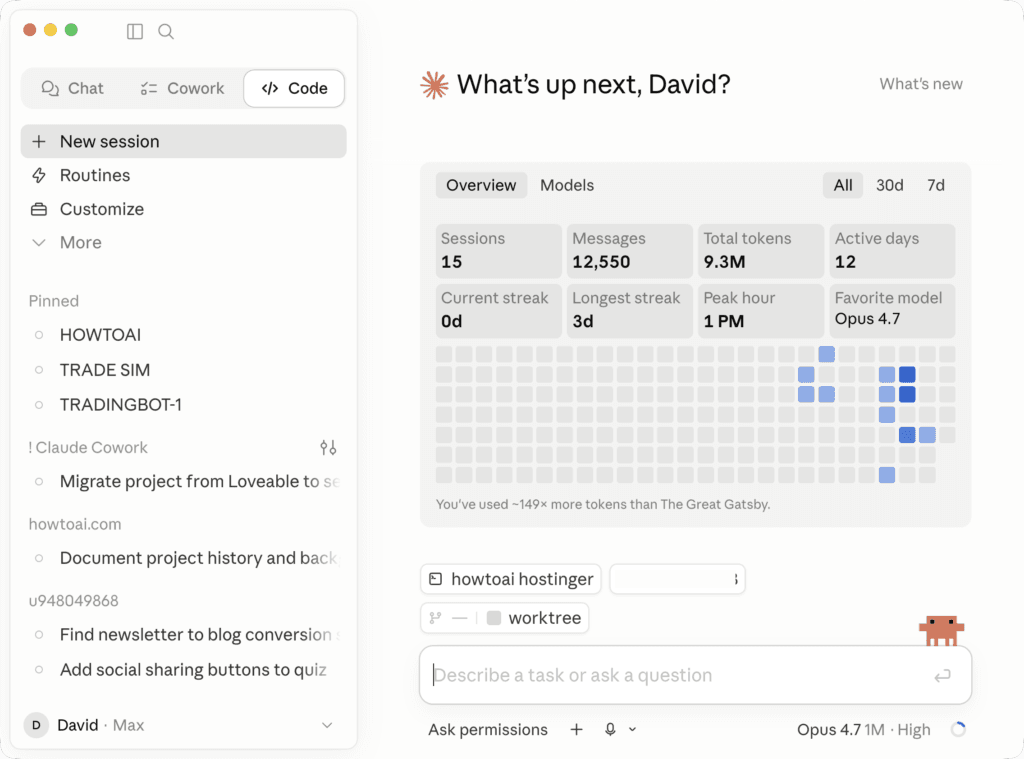
When I’m creating a new app, redesigning a website, or building something with actual code, Claude Code is what I open. It can run in a CLI terminal, but lately I’ve enjoyed running it in the Claude desktop app. Claude Code sees your whole project and writes code that actually fits what you’re building. The HOW TO // AI site was built with help from Claude Code.
If you don’t write code, you can ignore this one for now. If you do, it’s the difference between “AI helps me code” and “AI builds with me.”
Claude Cowork — for anything with big files
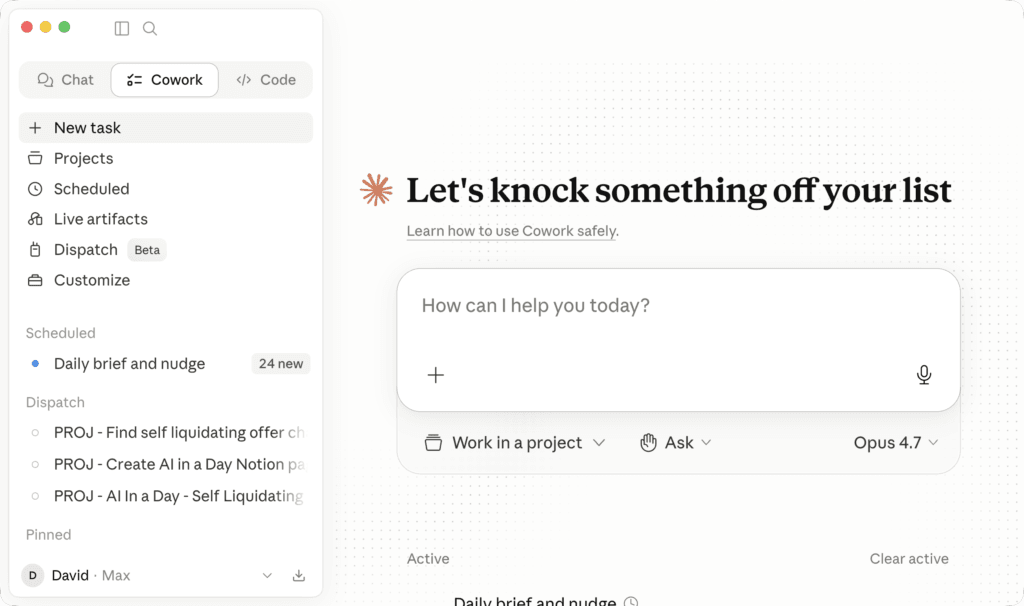
For anything involving long documents, research, or content I’m developing over time, I use Claude Cowork. It connects directly to a folder on my computer and works through whatever’s in there. Last month I used it to organize three months of newsletter drafts into a single editorial calendar. It would have taken me an entire afternoon. Cowork did it in twenty minutes.
If you’ve ever tried to write a book, build a research project, or wrangle a folder of documents, this is the tool for it.
Claude Chat — your thinking partner
When I’m out and need to think through something quickly or get a draft going, I use Claude in the mobile app. The voice mode makes it feel like a conversation, and the answers are clean and direct without being overly hedged.
This is my default for anything that doesn’t need a full setup, and it’s excellent for brainstorming.
ChatGPT — for general questions and generating graphics
ChatGPT is my second opinion on most things. I use it when I want a different angle or when I need to generate an image. Most of the graphics in recent newsletters came out of ChatGPT.
For pure writing or thinking, I still prefer Claude. For visuals and quick general queries, ChatGPT wins.
Gemini — for graphics that need a different style
When ChatGPT gives me an image that’s not quite right, I try Gemini. It tends to be stronger at certain styles, and the results vary enough between the two that having both options is useful.
I switch between them depending on what I’m trying to create.
Grok — for real-time and sanity checks
Grok has two things the others don’t. It’s connected to real-time information, so it’s what I use when I need to understand something happening in the news right now. And because it tends to push back more confidently than Claude or ChatGPT, I use it to sanity check anything important.
This is the prompt I use for that. It works whether you’re verifying a fact, an opinion, or a decision:
I want to sanity check this. Another AI told me [paste the answer or claim].

Tell me:
- Where this might be wrong, exaggerated, or one-sided
- What a smart skeptic would push back on
- What's the strongest counter-argument
- What I should verify before treating this as true

Don't agree just to be helpful. Push back where it matters.I run this maybe three times a week. Some of those times it confirms what the first AI said. The other times it saves me from being confidently wrong.
Knowing which AI tool to reach for is a skill in itself, and it’s the one I use most.
The free download above has the full decision tree: which tool to use for which task, a comparison table of strengths and weaknesses, the sanity-check prompt pack, and a quick reference you can print.
If you want to see what other tools you might add to your stack, you’ll also like learning anything faster and last month’s piece on unexpected AI uses, where I covered voice mode and camera capabilities.
🎯 Try this today: Take a question you asked AI in the last week. Ask the same question to a different AI tool, and see whether the answers match.
Related guides
- ChatGPT Atlas was discontinued: what to use instead
- How Good Are You at AI? The 4 Skill Levels
- how to catch AI hallucinations
- why your AI gives generic answers
- learn anything faster with AI
Keep reading
- I Gave Claude My Messy Desktop — Here’s What Happened
- Turn Support Questions Into a Self-Serve AI FAQ
Related: Do you actually need to pay for AI? The $20 question, answered.
Frequently asked questions
Which AI tool should I use?
There is no single best tool — the pros use a stack. For everyday writing and thinking, Claude and ChatGPT are strong; for deep work in files and projects, Claude Code and Cowork shine; Gemini is handy inside Google, and Grok for real-time takes. Pick one to start, then add tools as specific needs come up.
What is the difference between ChatGPT, Claude, and Gemini?
ChatGPT is the most well-rounded and widely integrated; Claude tends to be stronger at long-form writing, reasoning, and working with documents; Gemini is best when you already live in Google Workspace. Most heavy users keep all three and reach for whichever fits the task.
Do I need to pay for AI tools?
You can get a long way on free tiers. Paid plans help when you hit usage limits, want the newest models, or need features like larger context, file handling, or agents. Start free, then upgrade the one tool you reach for most.
How many AI tools do I actually need?
One is enough to start. Over time, most regular users settle on a small stack of two to four — a main chatbot, something for documents or code, and one or two specialists — rather than trying to master everything.