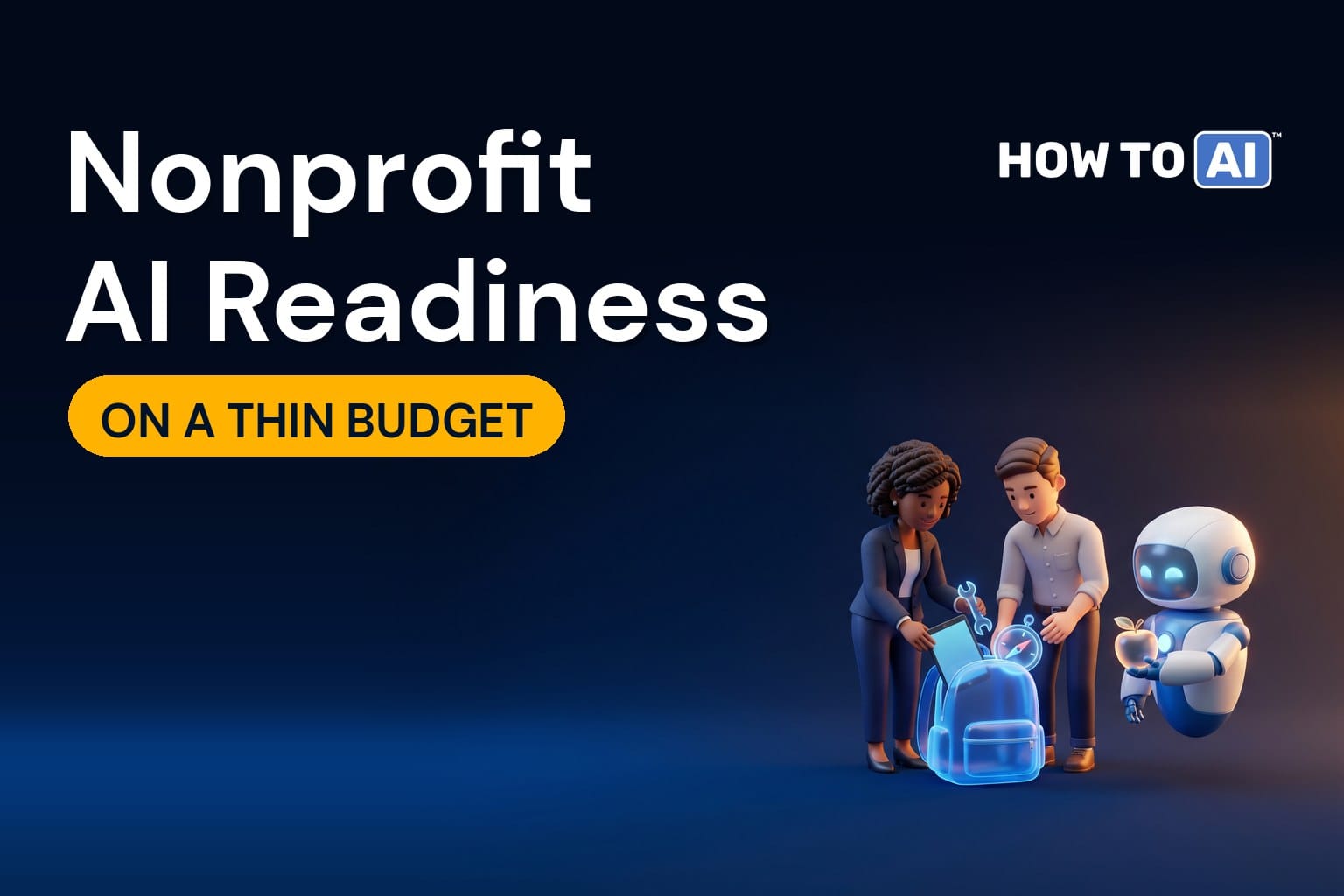
If you run IT for a nonprofit or a school, you’ve probably read AI readiness advice and quietly translated every recommendation into “we can’t afford that.” Dedicated AI budgets, certification programs for the whole team, a governed cloud platform for building: all of it assumes resources that most mission-driven organizations don’t have. Your IT team might be two people, or one person and a managed services provider.
Here’s the good news. The parts of AI readiness that matter most for a nonprofit or a school cost time, not money. A clear policy, an approved tool you may already license, trained staff, and an honest look at where sensitive data lives will get you further than any purchase. This post covers how to do AI readiness on a thin budget, where nonprofits and education need extra care, and where limited money is best spent.
What’s different about mission-driven organizations
- Small IT teams with wide responsibilities. The same person who runs the network also answers the phone when the printer jams.
- Sensitive data about people who trust you. Donors, clients, students, families, and sometimes health or case information about vulnerable people.
- Volunteers and part-time staff who need some access, often on their own devices.
- Restricted funding. Grants often pay for programs, not infrastructure, so technology competes for a small unrestricted pool.
- Heavy writing loads: grant proposals, donor communications, program reports, parent newsletters. That’s exactly where AI helps most.
Where to be careful
Donor and client data
Donor trust is hard to rebuild. Donor records, giving history, and anything about the people you serve belong in the “never in any unapproved AI tool” tier of your policy. If you serve clients in health or human services, HIPAA or other confidentiality rules may apply to their information too; check with whoever handles compliance.
Student records and children’s data
In education, student education records are protected by FERPA, services collecting data from children under 13 raise COPPA obligations, and many states have their own student privacy laws. Most AI tools also set minimum ages and require parental consent for minors, so check each tool’s terms before it reaches students. Staff and student use of AI are different questions and deserve different rules.
Free tools with unfavorable terms
On a thin budget, free consumer AI tools are tempting. Their data terms are usually the least protective, which is a poor fit for sensitive information. The difference is covered in consumer AI vs. enterprise AI.
Academic integrity
For schools, student use of AI raises questions of learning and honesty that IT doesn’t own. Those decisions belong to educators and leadership; IT’s role is to make whatever they decide technically workable.
Volunteers and shared devices
Volunteers are a readiness question most frameworks ignore. They often use personal devices and personal accounts, they come and go, and they may handle sensitive information during a single shift. Three rules keep this manageable. Give volunteers organizational accounts rather than letting them use personal ones for your work, so you can remove access when they leave. Include AI in volunteer onboarding, with the same one-page policy staff get. And limit what volunteer accounts can reach, so an assistant working on their behalf can’t surface donor or client records they were never meant to see.
How the six dimensions tend to look
In mission-driven organizations, governance and skills are usually the lowest-scoring dimensions, simply because nobody has had time to write a policy or run training. Infrastructure often depends heavily on a managed services provider, which is fine as long as someone inside the organization owns the decisions. Data tends to be split between a donor or student system and a sprawl of shared drives, with the shared drives carrying most of the permission risk. And use cases are plentiful: almost everyone has writing work they’d gladly hand to an assistant. The encouraging part is that the two weakest dimensions are also the two cheapest to improve.
Use what you already license
Before buying anything, check what your existing licensing includes. Microsoft and Google both run programs for nonprofits and for education, and the AI features available under those plans change regularly. You may already have access to an assistant with business-grade data protection, which is a far better starting point than a free consumer tool. Ask your licensing partner or check the vendor’s program pages directly, and confirm the data protection terms for the specific plan.
Use cases that fit mission-driven work
- First drafts of grant proposals and reports, which a person then edits and checks.
- Donor and supporter communications, drafted from approved information and reviewed before sending.
- Answering volunteer and staff questions from handbooks and policies.
- Summarizing program data and meeting notes for boards and funders.
- For schools: helping staff draft parent communications, lesson materials, and administrative documents.
- The IT help desk, where a small team saves time on repetitive questions.
None of these needs sensitive personal data to get started, which keeps early risk low. Picking your first AI use case covers how to choose and prove the first one.
The asset: a thin-budget AI readiness plan
Days 1 to 30: no-cost steps
- Check what AI tools your current licensing already includes, and the data terms for each.
- Ask staff which AI tools they already use. Make it clear there’s no penalty; you need honest answers.
- Publish a one-page acceptable use policy that names donor, client, and student data explicitly. A template is in publish your AI acceptable use policy this month.
- Run a 30-minute training session with examples from your own work.
- Check who can see what in your shared drives, and fix the obvious oversharing of sensitive folders.
Days 31 to 90: low-cost steps
- Choose one approved tool, ideally one you already license, and make it the default.
- Pick one writing-heavy process, measure how long it takes today, and pilot AI on it.
- Name one staff member as the local AI champion who shares tips and collects questions.
- Write down what you learned and share it with your board.
Where limited money is best spent
If you have a small amount to spend, spend it in this order. First, an approved tool with proper data protection for the people who handle sensitive information, if your existing licensing doesn’t cover it. Second, a few hours of focused training, because a trained user gets far more from a tool than an untrained one. Third, and only if a proven use case needs it, something more specialized. Don’t spend on building your own AI tools until the basics are in place; most mission-driven organizations get their value from well-used, off-the-shelf assistants.
Learn with your peers
One advantage nonprofits and schools have over businesses: peers are usually willing to share. Other organizations in your sector are working through the same questions. Swapping policies, lessons from pilots, and vendor experiences with two or three peer organizations can save each of you months. Many sector associations and technology networks run forums for exactly this.
Where does your team actually stand?
The free AI Readiness Score uses 10 of the 24 assessment questions, spread across all six dimensions, and gives you a score in a few minutes. It costs nothing, which makes it a sensible first step on a thin budget.
Get your free AI Readiness Score →
Want to see what the full assessment covers first? Flip through a complete 38-page sample report.
Related guides
- Consumer AI vs. Enterprise AI: Ending the Evaluation Stall
- Picking Your First AI Use Case (and Proving It Worked)
- Publish Your AI Acceptable-Use Policy This Month (3-Tier Template)
- The 6-Dimension AI Readiness Framework, Explained
- The AI Readiness Checklist: 24 Questions to Answer Before Spending a Dollar
Frequently asked questions
How can a nonprofit prepare for AI on a thin budget?
Focus on the steps that cost time rather than money: check what your existing licensing already includes, ask staff which tools they use, publish a one-page policy that names donor, client, and student data, run a short training session, and fix obvious oversharing in shared drives.
Do Microsoft and Google offer AI to nonprofits?
Both run programs for nonprofits and for education, and the AI features available under those plans change regularly. Check with your licensing partner or the vendor's program pages, and confirm the data protection terms for the specific plan before relying on it.
What rules apply to AI use in schools?
Student education records are protected by FERPA, services collecting data from children under 13 raise COPPA obligations, and many states have their own student privacy laws. Most AI tools also set minimum ages and require parental consent for minors, so check each tool's terms.
Where should a small AI budget go first?
First, an approved tool with proper data protection for staff who handle sensitive information, if your licensing doesn't already cover it. Second, a few hours of focused training. Third, and only for a proven use case, anything more specialized.