
A few weeks ago I was using Claude to research something for the newsletter. It gave me a statistic, cited it confidently, and I almost used it. Something felt slightly off so I looked it up. The number didn’t exist. Claude had made it up.
This is called hallucination. AI doesn’t flag it or slow down. It just keeps going in the same calm tone it uses when it’s completely right — which is exactly why catching AI hallucinations matters before you publish, send, or act on anything an AI tells you. (Spotting hallucinations and applying responsible-AI practices are core topics on exams like the AWS AI Practitioner.)
Since I started using AI every day for my morning routine, my work, and this newsletter, I’ve had to build in a habit of checking. Here are the three prompts I use to do that.
What Is an AI Hallucination?
An AI hallucination is a confident, plausible-sounding answer that’s factually wrong. The model isn’t trying to deceive you — it’s predicting the next likely token, and sometimes the most likely-sounding answer is the made-up one. The model has no built-in signal for “I don’t actually know this,” so it’ll deliver a fabricated statistic in the same tone it uses for verified facts.
3 Prompts to Catch AI Hallucinations
Prompt 1: Ask for Sources
The simplest thing you can do. Most people never ask.
What's your source for that?

List the specific articles, studies, or data you're drawing on — with publication names and dates.

If you're not certain of the source, tell me clearly rather than guessing.If AI responds with “studies suggest…” or can’t name a real publication, that’s your cue to check independently before using anything it told you.
Prompt 2: Stress-Test the Answer
This is the one I use most. Run it on anything you’re about to publish, send, or act on.
Play devil's advocate on what you just told me.

What might be wrong, outdated, or oversimplified in your previous response?

What should I verify before acting on this?AI is surprisingly good at spotting its own weak spots when you ask directly. Most people just never ask.
Prompt 3: The Confidence Check
I started using this after the statistic incident above. It changes how you read every response.
How confident are you in this answer on a scale of 1–10, and why?

What parts are you least certain about?

Is any of this a best guess rather than something you know clearly?A well-calibrated AI will tell you where it’s on shaky ground. You just have to ask.
The 4 Areas Where AI Hallucinations Happen Most
Worth knowing before you run these prompts so you know what you’re looking for.
- Statistics and numbers are where I’ve been caught out the most. Any specific number worth using is worth a quick search to verify.
- Quotes and attributions are frequently wrong. I’ve seen Claude attribute quotes to the wrong person more than once. If you’re going to quote someone, find the original source yourself.
- Anything recent is risky. AI has a knowledge cutoff. I work around this by saving 5 hours a week on tasks that don’t require current information, and separately checking anything time-sensitive.
- Specific details like company names, URLs, laws, and prices are high-risk. The more specific the detail, the more likely AI is filling a gap with something plausible-sounding.
AI isn’t wrong because it’s bad at its job. It’s wrong because it’s confident — and you didn’t ask it to doubt itself.
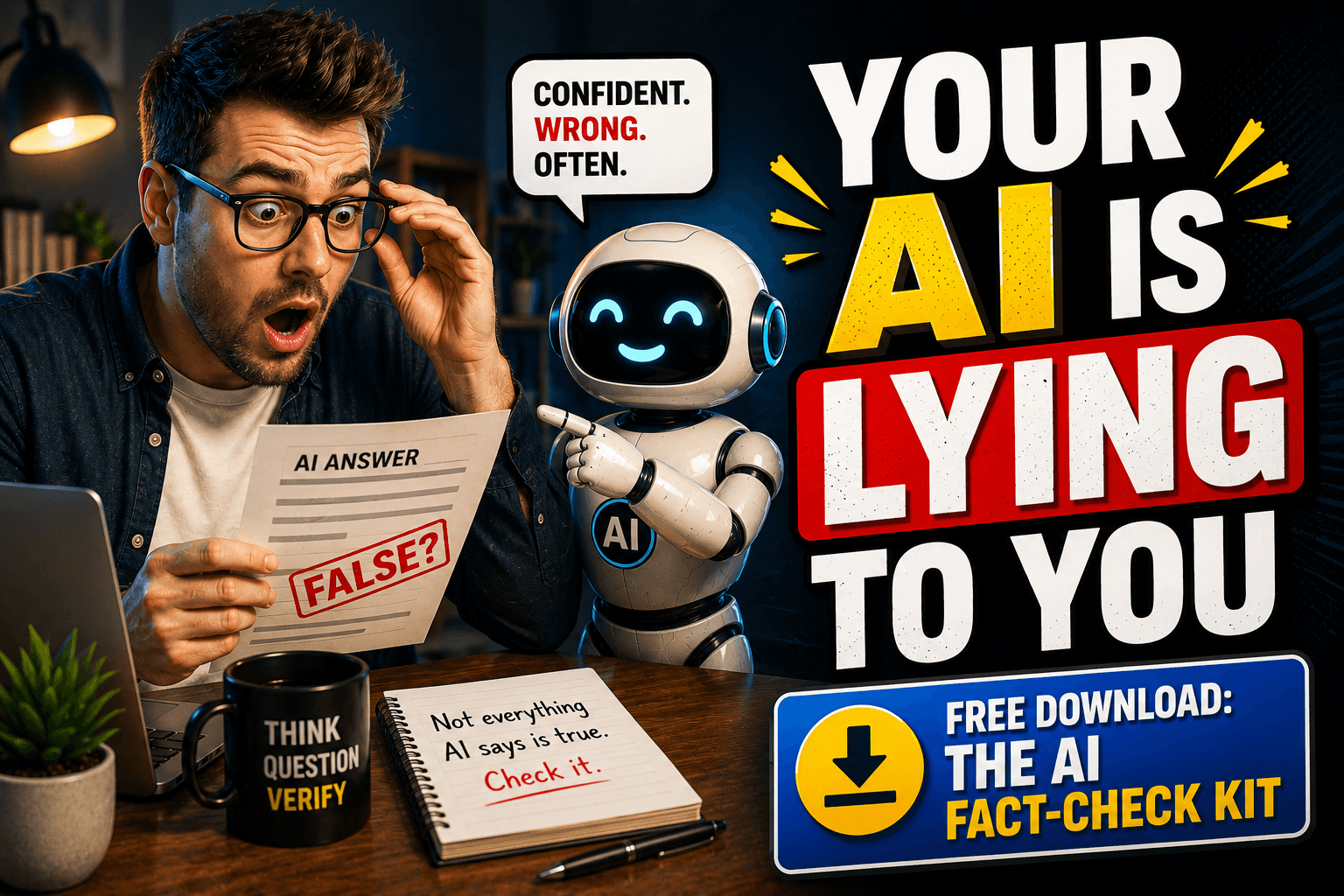
Free Download: The AI Fact-Check Kit
The full kit — a quick-reference checklist, prompts by content type, and a when-to-trust-vs-check guide — is a free Notion template.
Try This Today
🎯 Take something AI told you recently that you didn’t verify. Run Prompt 2 on it.
Related guides
- why your AI gives generic answers
- the AI tool stack I actually use
- prompt refinement basics
- How to Improve AI Accuracy: 7 Fixes That Actually Work
- I Asked AI If It Was Going to Rain. It Lied. Twice.
Related: catching hallucinations is half the battle — the other half is prevention. Here’s how to make your AI more accurate and honest from the start.
Related: How to improve AI accuracy: 7 fixes that actually work.
Frequently asked questions
What is an AI hallucination?
It's a confident, plausible-sounding answer that's actually wrong. The model predicts the next likely word and sometimes the most likely-sounding answer is made up. It has no built-in signal for I don't actually know this, so it delivers a fabricated statistic in the exact same calm tone it uses for verified facts.
How can I tell if AI is making something up?
Ask it directly. Three prompts work well: ask for its specific sources with publication names and dates, ask it to play devil's advocate on what it just told you, and ask how confident it is on a scale of 1 to 10 and what it's least certain about. A well-calibrated AI will flag where it's on shaky ground when you ask, most people just never ask.
Where does AI get things wrong most often?
Four areas: statistics and numbers, quotes and attributions (it can put a quote in the wrong person's mouth), anything recent (it has a knowledge cutoff), and specific details like company names, URLs, laws, and prices. The more specific the detail, the more likely AI is filling a gap with something that just sounds plausible, so verify those independently.
Should I trust statistics that ChatGPT or Claude gives me?
Not without checking. Numbers are where these tools get caught out most, and a fabricated stat arrives in the same confident tone as a real one. Any specific number worth using is worth a quick independent search before you publish, send, or act on it.