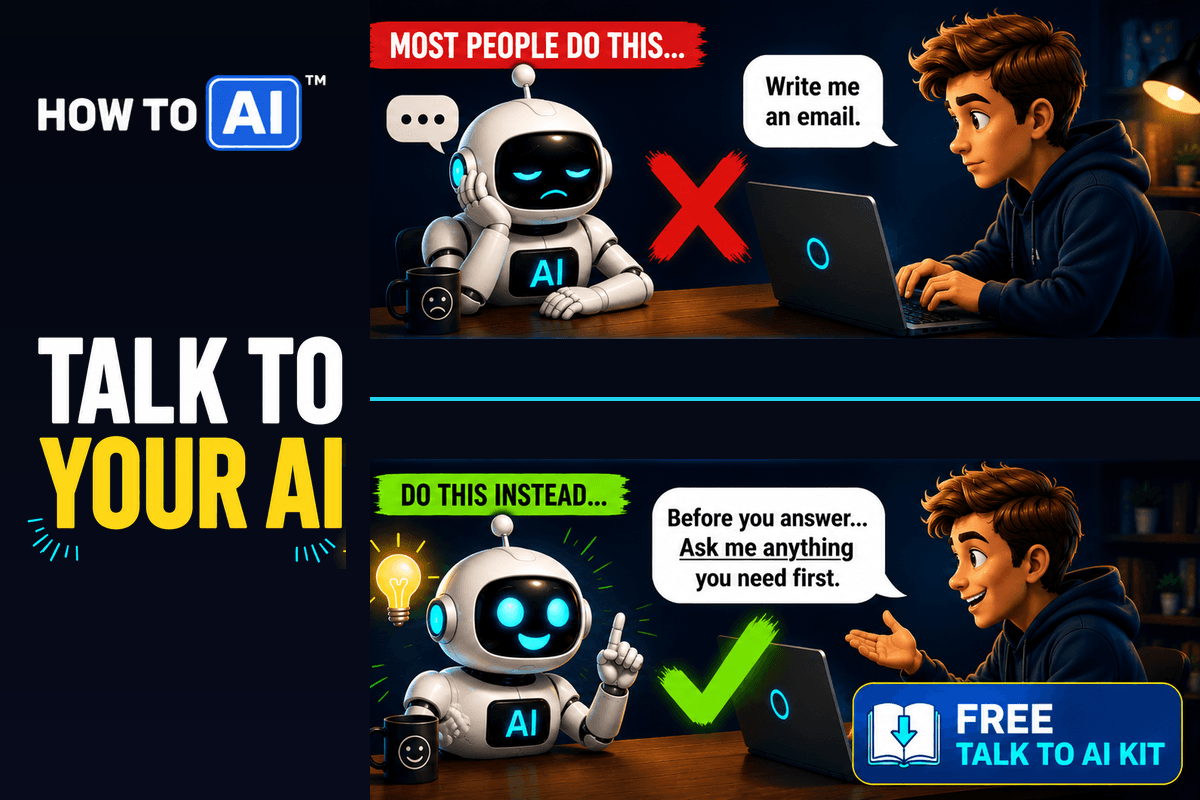

Early on, AI feels almost magical. It’s fast, articulate, and rarely says “I don’t know.” But as you gain experience—especially by cross-checking outputs between models—you start to see patterns. Some errors are subtle. Others are flat-out wrong. What’s striking is that the confidence level rarely changes.
That’s when I realized LLMs don’t truly self-correct in real time. If you point out a mistake, they’ll often admit their mistake and adjust but only within that conversation. Unfortunately, learning doesn’t persist to next time or to another user. Each new chat starts fresh. Accuracy, then, isn’t guaranteed by the model—it’s shaped by how much structure and discipline you impose through prompting.
Once I accepted that, I stopped assuming AI was “smart” and started telling it to be accurate and honest.

Prompts That Meaningfully Improve Accuracy
While it can help to use a different model like ChatGPT Thinking, it doesn’t always ensure accuracy and honesty.

One of the most effective changes is explicitly telling the model not to guess. This alone reduces a surprising number of errors. For example, just add this to a prompt-
If you are not confident, say so. Do not guess. Ask clarifying questions before answering.Another improvement comes from prioritizing correctness over speed. LLMs default to fast completion unless told otherwise.
Accuracy is more important than speed. Do not guess.Hidden assumptions are a major source of error. Forcing them into the open makes mistakes easier to spot.
State assumptions explicitly before answering.LLMs can internally sanity-check their own outputs if prompted to do so.
Cross-check facts internally and flag anything uncertain.Constraining scope prevents speculative or fringe answers.
Answer only within well-established, widely accepted information.Finally, a self-audit at the end encourages restraint.
Add a final section titled ‘Confidence & Risks’.Making Improvements Permanent
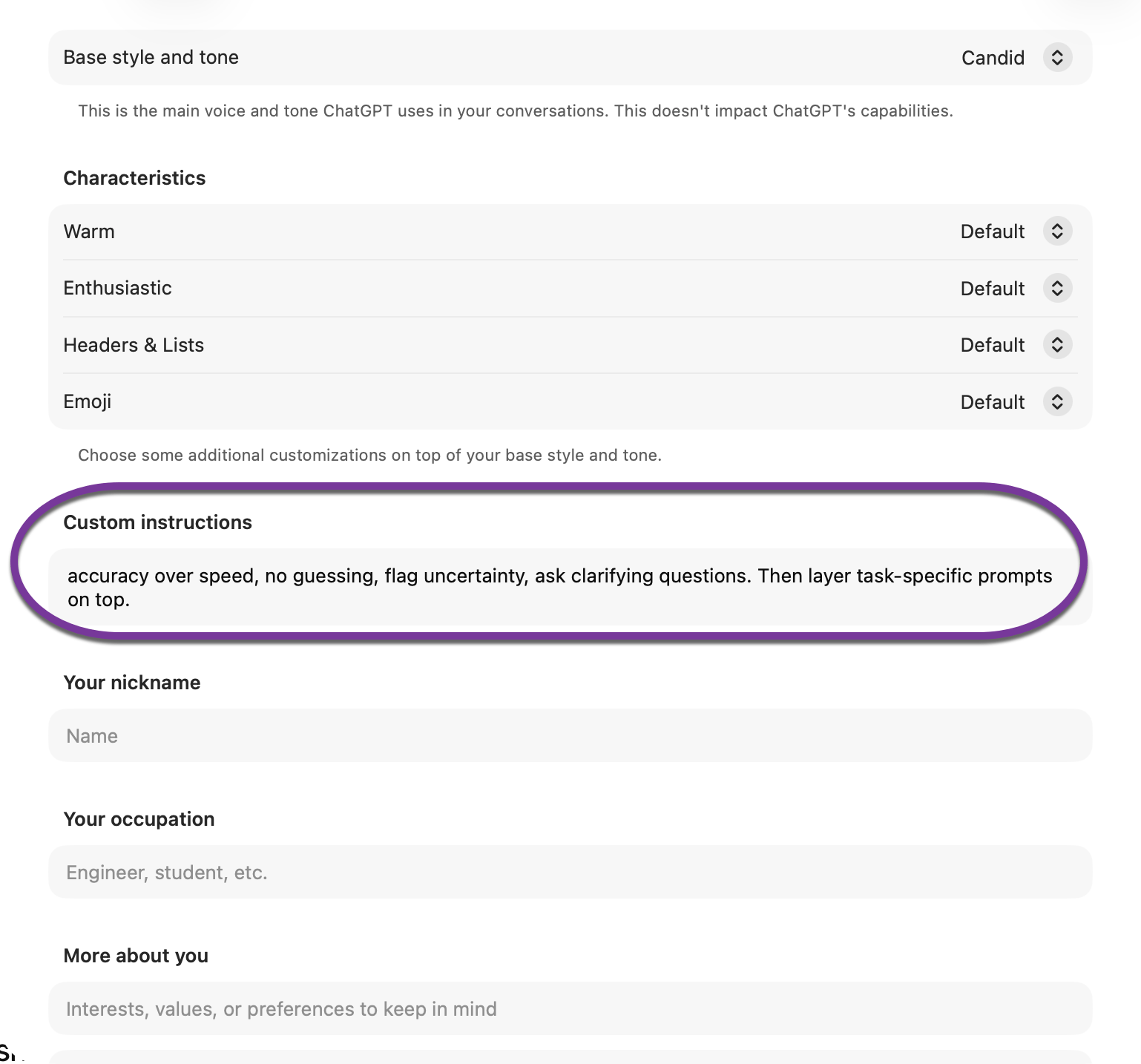
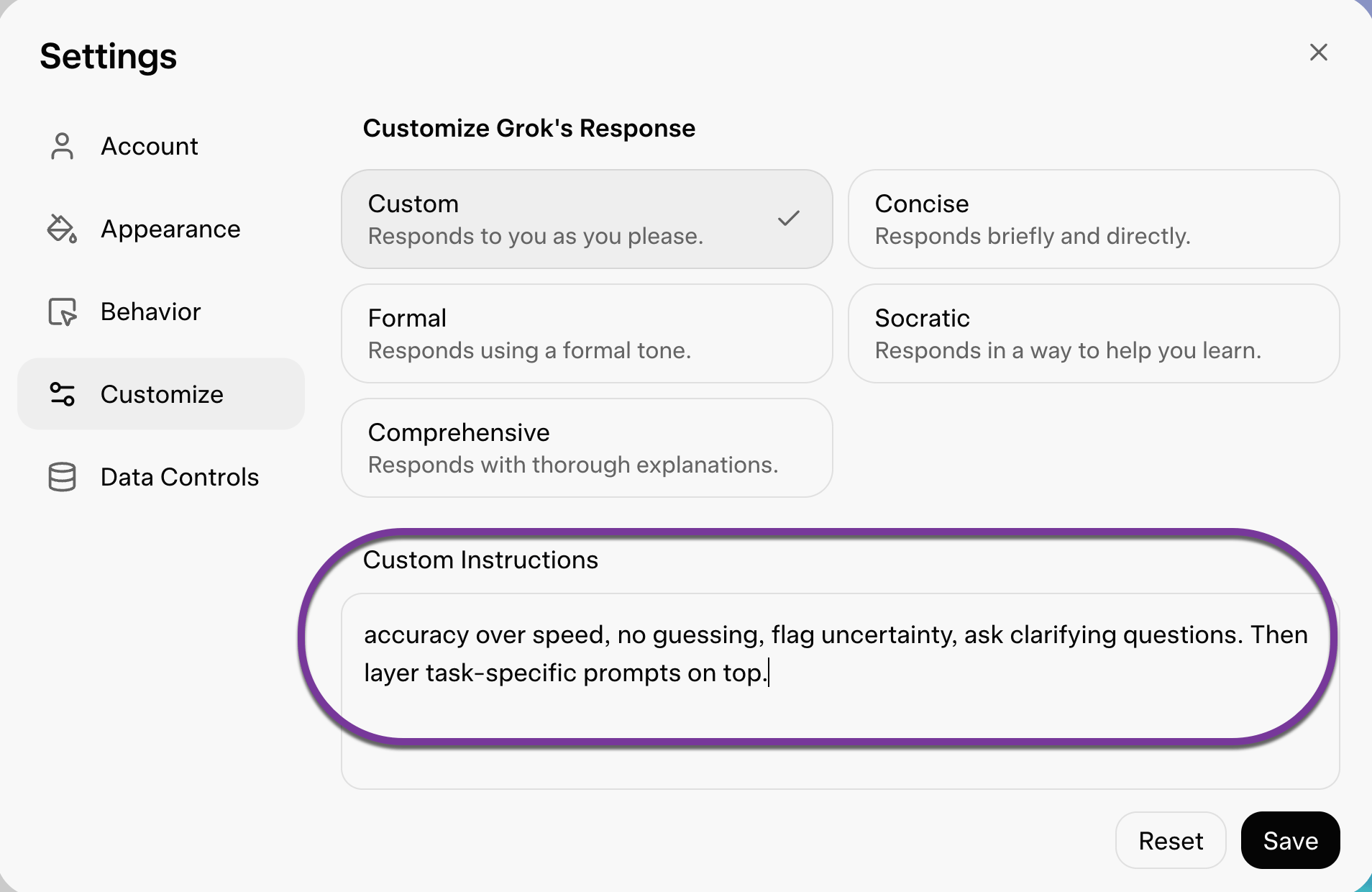
Hopefully these prompts are very helpful but how do you make these improvements permanent? Most modern AI tools—including ChatGPT and Grok—allow you to set a custom profile, system prompt, or preferences section. This is where you win long-term accuracy. Add a short “accuracy clause” there so it applies to every conversation by default.
For example, include something like: accuracy over speed, no guessing, flag uncertainty, ask clarifying questions. Then layer task-specific prompts on top.
Here’s what it looks like in ChatGPT → Settings → Custom Instructions
And in Grok → Settings → Custom Instructions
📌 Key takeaway: Treat this like setting up spellcheck: do it once, benefit forever. Put the accuracy rules in your AI’s saved settings so the tool is trained to pause, admit uncertainty, and ask follow-ups by default. You’ll spend less time catching mistakes and more time using AI for what it’s best at—drafting, summarizing, brainstorming, and accelerating work without quietly making things up (or flat-out lying to you! 😱)
Related guides
- Prompt Refinement 101
- how to catch AI hallucinations
- You’ve Been Googling Your AI — Here’s the Fix (Free Download)
Frequently asked questions
How do I make AI give more accurate answers?
The single most effective move is telling the model not to guess. Add a line like "If you are not confident, say so. Do not guess. Ask clarifying questions before answering." Pairing that with "accuracy is more important than speed" cuts down a surprising number of errors, because models default to fast, confident completion unless you tell them otherwise.
Why does AI sound so confident even when it's wrong?
Large language models don't truly self-correct in real time, and their confidence rarely changes whether they're right or wrong. If you point out a mistake they'll often adjust, but only within that one conversation; the lesson doesn't carry to the next chat or to other users. That's why accuracy comes from the structure you impose through prompting, not from assuming the model is "smart."
What prompts make AI more honest?
A few that help: "State assumptions explicitly before answering" surfaces hidden guesses, "Cross-check facts internally and flag anything uncertain" triggers a self-check, "Answer only within well-established, widely accepted information" curbs fringe answers, and "Add a final section titled 'Confidence & Risks'" forces a closing self-audit. Stacking a couple of these on a task meaningfully reduces quiet mistakes.
Can I make AI accuracy rules apply to every chat automatically?
Yes. Most tools, including ChatGPT and Grok, have a custom instructions or preferences section where you can save a short accuracy clause: accuracy over speed, no guessing, flag uncertainty, ask clarifying questions. Set it once and it applies to every conversation by default, like turning on spellcheck, then layer task-specific prompts on top.